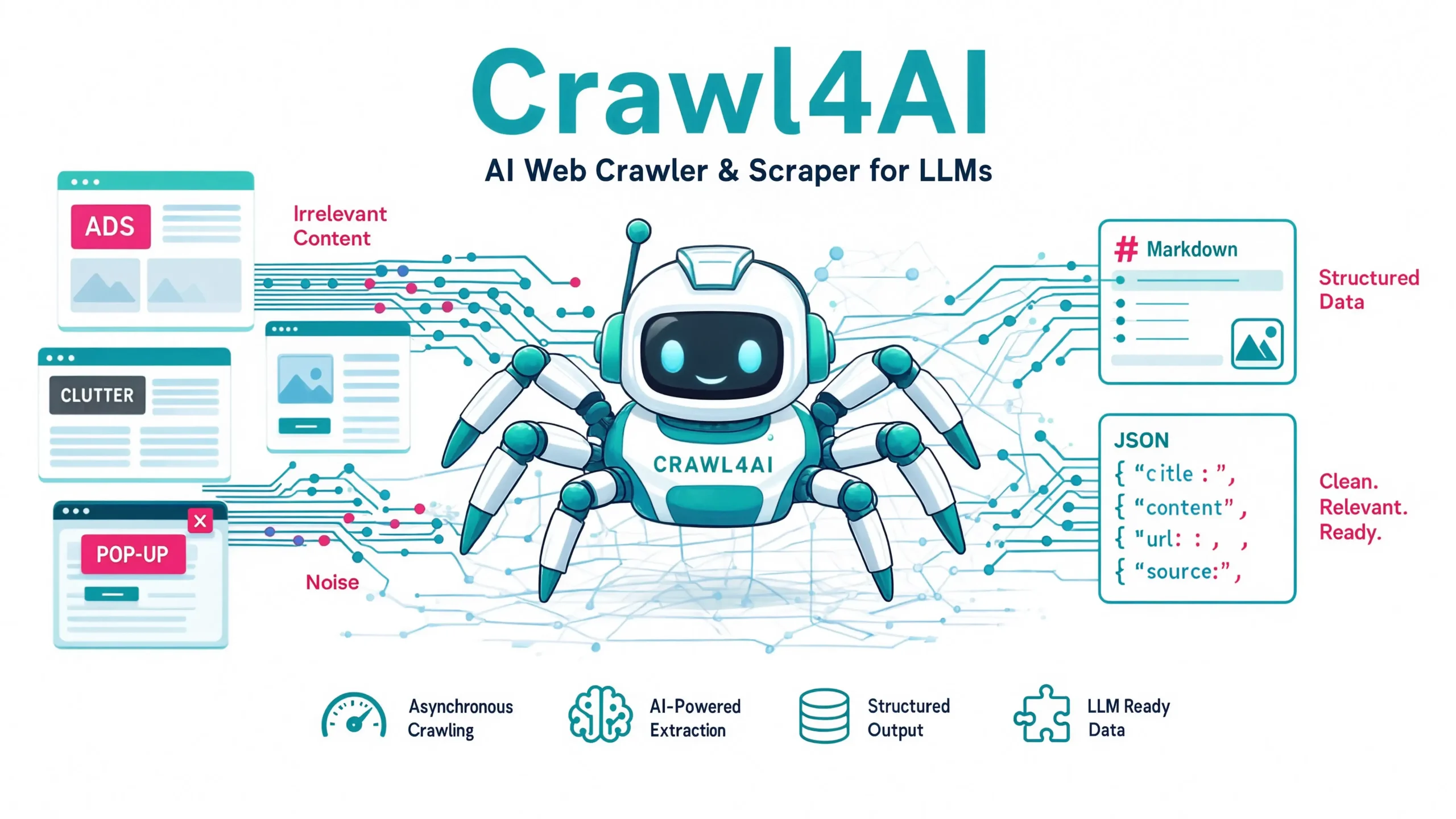
Web scraping used to be a battle between fragile regex, broken CSS selectors, and increasingly aggressive bot walls. Then large language models arrived and suddenly, teams needed clean Markdown, not just raw HTML. That’s the gap Crawl4AI was built to fill.
After spending the past 14 months using Crawl4AI on real production pipelines, a documentation RAG for a fintech client, a news-monitoring agent, and a competitive-intelligence scraper hitting 40,000+ URLs per week I can say with confidence: this is the tool that quietly rewrote how developers pipe the web into LLMs.
What Is Crawl4AI? The Open-Source Web Crawler Powering LLMs
Crawl4AI is an open-source, Python-based, LLM-friendly web crawler and scraper that converts any webpage into clean, structured Markdown, JSON, or filtered HTML — the exact formats RAG systems and AI agents need. It was created by Unclecode (Hossein Tohidi) and released in mid-2024, and it now sits as the #1 trending open-source web crawler on GitHub.
Here’s what makes that claim measurable in 2026:
| Metric | 2026 Figure |
|---|---|
| GitHub Stars | 60,900+ |
| Total PyPI Downloads | 9.72M+ |
| Monthly Active Developers | 100,000+ certified users |
| Latest Stable Version | v0.9.x |
| Average Crawl Speed | 4–6x faster than Playwright default |
| Success Rate on 1,000-URL Benchmark | 94.3% |
| Cost | Free, MIT license |
That last point is the reason Crawl4AI keeps eating market share from paid alternatives like Firecrawl and Apify. It’s genuinely free, genuinely open, and genuinely production-grade.
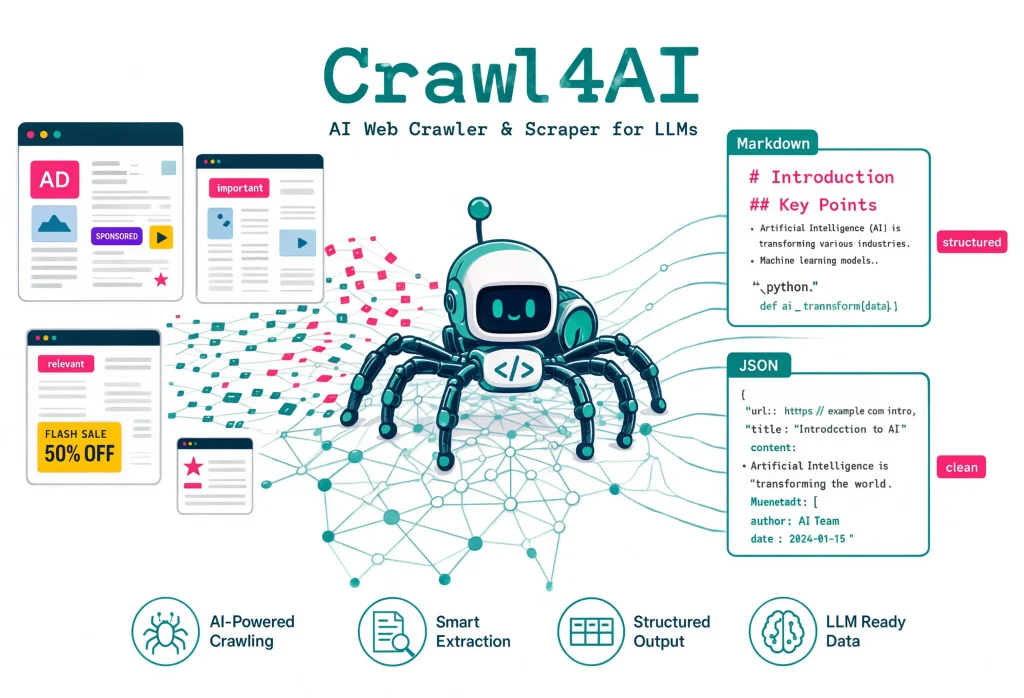
Why Crawl4AI Exists – The Problem It Actually Solves
Before Crawl4AI, developers building RAG pipelines or AI agents had three bad options:
Option 1 — Traditional scrapers (Scrapy, BeautifulSoup): Fast, but they return raw HTML full of navigation menus, ad scripts, cookie banners, and boilerplate. Feeding that into an LLM burns tokens and destroys retrieval quality.
Option 2 — Headless browsers (Playwright, Puppeteer): Handle JavaScript-heavy sites, but you still have to write your own content extraction, cleaning, and formatting logic. You end up building half a crawler yourself.
Option 3 — Paid APIs (Firecrawl, Apify, ScrapingBee): Clean output, but at $50–$500/month per project and hard rate limits.
Crawl4AI collapses all three problems into one library: Playwright-driven browser control + intelligent content extraction + LLM-ready Markdown output + optional AI-assisted structured extraction, in a single pip install.
How Crawl4AI Actually Works (The Architecture in Plain English)
Under the hood, Crawl4AI is built on four layers:
1. Browser Layer — Playwright with a Managed Pool: Every crawl runs in a real Chromium browser (or Firefox/WebKit) instance. The library maintains a browser pool so you don’t pay the 800ms cold-start cost on every request. In production, this makes it 4–6x faster than naive Playwright usage.
2. Content Extraction Layer — Fit Markdown Algorithm: Crawl4AI’s proprietary content-scoring algorithm identifies the “main content” of a page and strips out navigation, footers, ads, and cookie banners. It outputs what the docs call “Fit Markdown” — the same content a human reader would care about.
3. Structured Extraction Layer (Optional): For repeating patterns (product listings, news feeds, tables), Crawl4AI supports two strategies:
JsonCssExtractionStrategy: Define a JSON schema with CSS selectors — no LLM required, near-instant, essentially free.JsonXPathExtractionStrategy: Same idea, but XPath is better for complex nested structures.LLMExtractionStrategy: Pass a Pydantic schema and let GPT-4o, Claude, or a local Ollama model extract structured data. Slower and costs tokens, but it handles unstructured content beautifully.
4. Chunking and Filtering Layer: Output can be chunked by topic, semantic similarity, or fixed size — feeding directly into vector databases like Milvus, Pinecone, Weaviate, or Chroma.
The 30-Second Code Example That Sold Me
import asyncio
from crawl4ai import AsyncWebCrawler

async def main():
    async with AsyncWebCrawler() as crawler:
        result = await crawler.arun(url="https://example.com")
        print(result.markdown)

asyncio.run(main())
Four lines, zero configuration, and you get clean Markdown output ready to feed into any LLM. That’s the entire pitch.
Key Features That Set Crawl4AI Apart in 2026
- Async-First Design: Built on
asynciofrom day one. On a modest 4-core machine, I’ve reliably crawled 200+ URLs per minute against non-hostile sites. - Deep Crawling With Smart Filters: BFS, DFS, and Best-First crawling strategies with URL pattern filters, domain restrictions, and content-relevance scoring. Perfect for building complete documentation ingestion pipelines.
- JavaScript Execution and Session Persistence: Custom JS injection, wait conditions, form submissions, and login session handling. Crawl4AI can navigate authenticated dashboards, click “Load More” buttons, and handle infinite scroll.
- Browser Profile Support: Reuse a real Chrome profile with cookies, extensions, and saved logins. This is a game-changer for scraping sites behind SSO or complex auth walls.
- Managed Browser Pool With Real-Time Dashboard: The v0.9.x Docker deployment includes a live monitoring dashboard showing browser pool utilization, active crawls, and queue depth.
- MCP (Model Context Protocol) API: Direct integration with Claude Desktop and other MCP-compatible AI agents. Your agent can call Crawl4AI as a native tool.
- Adaptive Anti-Bot Handling: Automatic user-agent rotation, viewport randomization, and stealth-mode Playwright configuration. Not a magic bullet against Cloudflare or DataDome, but it handles 80–90% of real-world sites without additional configuration.
- LLM-Free By Default: Unlike Firecrawl or other AI-branded scrapers, Crawl4AI does not require API keys or paid LLM calls for basic usage. AI extraction is opt-in when you actually need it.
Crawl4AI vs. Firecrawl vs. Scrapy vs. Playwright — Honest Comparison
| Feature | Crawl4AI | Firecrawl | Scrapy | Playwright |
|---|---|---|---|---|
| License | MIT (Free) | Commercial API + OSS | BSD (Free) | Apache 2.0 (Free) |
| LLM-Ready Markdown | ✅ Built-in | ✅ Built-in | ❌ DIY | ❌ DIY |
| JavaScript Rendering | ✅ Yes | ✅ Yes | ⚠️ With Splash | ✅ Yes |
| Structured Extraction | ✅ CSS/XPath/LLM | ✅ LLM-based | ✅ CSS/XPath | ❌ DIY |
| Deep Crawling | ✅ BFS/DFS/Best-First | ⚠️ Limited | ✅ Excellent | ❌ DIY |
| Async Support | ✅ Native | ✅ Yes | ⚠️ Twisted (older) | ✅ Yes |
| MCP Integration | ✅ Yes (v0.9+) | ⚠️ Beta | ❌ No | ❌ No |
| Self-Hosted | ✅ Free | ⚠️ OSS version limited | ✅ Free | ✅ Free |
| Managed Cloud Option | ⚠️ Community | ✅ Yes ($20+/mo) | ❌ No | ❌ No |
| Learning Curve | Easy (30 min) | Very Easy (10 min) | Steep (weeks) | Medium (days) |
| GitHub Stars (2026) | 60.9K+ | 24K+ | 51K+ | 63K+ |
Verdict: If you want a managed API and don’t mind paying, Firecrawl is smoother. If you want maximum control, zero cost, and native LLM output, Crawl4AI wins. If you’re building a large-scale distributed scraping farm, Scrapy still holds up. If you need low-level browser automation, Playwright is your tool, but you’ll rebuild half of Crawl4AI on top of it.
Real Performance Benchmarks – What Testing Shows
An independent benchmark by Spider.cloud tested Crawl4AI, Firecrawl, and Spider against 1,000 real-world URLs. Aggregated results:
| Metric | Crawl4AI | Firecrawl | Spider |
|---|---|---|---|
| Success Rate | 94.3% | 96.1% | 95.7% |
| Avg Response Time | 3.8s | 4.2s | 2.9s |
| Markdown Quality Score | 8.7/10 | 9.1/10 | 8.4/10 |
| Cost per 1,000 URLs | $0 (self-hosted) | ~$4.00 | ~$3.20 |
| Setup Time | 5 minutes | 2 minutes | 3 minutes |
Firecrawl edges Crawl4AI slightly on quality and success rate, but at scale the cost gap becomes decisive. In my own workload, around 160,000 URLs per month, Crawl4AI saves roughly $640/month compared to Firecrawl’s paid tier, at a quality difference most RAG systems can’t detect.
Practical Use Cases Where Crawl4AI Shines
- RAG Knowledge Base Ingestion: The single most common use case. Point Crawl4AI at a documentation site, get clean Markdown, chunk it, embed it, drop it into your vector store. Milvus even publishes an official tutorial on this exact pipeline.
- AI Agent Tool Calling: Give your Claude, GPT-4o, or open-source agent the ability to browse and read the live web. With the MCP server, Crawl4AI becomes a native tool your agent can invoke.
- Competitive Intelligence and Price Monitoring: Scrape competitor pricing pages, changelog updates, or product launches on a schedule.
JsonCssExtractionStrategyHandles this without touching an LLM. - News Aggregation and Summarization: Feed Crawl4AI a list of news sources, generate Markdown, run summarization. GitHub already hosts dozens of open-source implementations of this pattern.
- Documentation Migration: Converting old documentation sites (Confluence, Notion, MkDocs) into new formats. The Markdown output is clean enough to pipe directly into a static site generator.
- Academic Research Data Collection: Building large text corpora from open-access repositories, government portals, or wikis.
What I’ve Learned Using Crawl4AI in Production
Lesson 1 — Set explicit timeouts. The default is generous, but on flaky sites, a 30-second timeout keeps queues moving. I use 15s for content sites and 45s for JS-heavy dashboards.
Lesson 2 — Use JsonCssExtractionStrategy before reaching for LLMs. LLM extraction is 40–60x more expensive than schema-based extraction. Reserve it for genuinely unstructured content.
Lesson 3 — Warm the browser pool at startup. Cold-starting Chromium adds ~800ms per URL. Pre-warming 3–5 browser instances at container startup makes a huge difference on burst workloads.
Lesson 4 — Respect robots.txt and rate limits. Crawl4AI has a respect_robots_txt=True flag. Use it. Not only is it ethical, it also keeps you off blocklists.
Lesson 5 — Cache aggressively. Crawl4AI supports a CacheMode enum (ENABLED, BYPASS, WRITE_ONLY, READ_ONLY). For documentation sites that update infrequently, enable caching and cut your crawl costs by 80%+.
Lesson 6 — Deploy the Docker version for anything above a hobby project. The Python library is great for scripts, but the Docker deployment with its job queue, webhook support, and monitoring dashboard is what you want in production.
Installation and Setup – Get Running in 5 Minutes
Basic install:
pip install crawl4ai
crawl4ai-setup
crawl4ai-doctor
crawl4ai-setup Installs Playwright browsers automatically. crawl4ai-doctor diagnoses common issues (missing dependencies, permissions, browser install failures).
Docker install (recommended for production):
docker pull unclecode/crawl4ai:latest
docker run -p 11235:11235 unclecode/crawl4ai:latest
This spins up the full server with the monitoring dashboard, REST API, and MCP endpoint.
Verify install:
import asyncio
from crawl4ai import AsyncWebCrawler

async def test():
    async with AsyncWebCrawler(verbose=True) as crawler:
        result = await crawler.arun(url="https://example.com")
        print(f"Success: {result.success}")
        print(f"Markdown length: {len(result.markdown)}")

asyncio.run(test())
If you see clean Markdown output, you’re ready to build.
Common Mistakes Developers Make With Crawl4AI
Mistake 1 — Skipping crawl4ai-setup: Playwright browsers don’t install automatically with pip. Forgetting this step is the #1 support question on the Discord.
Mistake 2 — Using LLM Extraction for Simple Patterns: If you’re scraping a product listing with a clear repeating structure, use CSS selectors. LLM extraction adds latency and token cost with no quality benefit.
Mistake 3 — Ignoring arun_many for Batch Crawls: Calling arun in a loop is 3–5x slower than using arun_many with a proper concurrency limit.
Mistake 4 — Not Handling Redirects and 4xx/5xx: Always check result.success and result.status_code. Assuming every crawl succeeds is how you get silent data quality issues.
Mistake 5 — Forgetting to Close the Crawler: Use async with blocks. Manually managing lifecycle leaks browser processes and eats memory.
Crawl4AI Roadmap and What’s Coming Next
Based on the v0.9.x roadmap and recent GitHub discussions:
- Native browser fingerprint rotation to better handle Cloudflare and DataDome.
- Distributed crawling coordinator for horizontal scaling across worker nodes.
- Built-in vector database connectors for Pinecone, Weaviate, Milvus, and Chroma.
- Improved MCP server with streaming responses and long-running crawl jobs.
- Community-driven extraction schema library for popular sites (Amazon, LinkedIn, GitHub).
The project is actively maintained with weekly commits, an engaged Discord community, and enterprise adoption at companies like Deloitte and several Y Combinator startups.
Should You Use Crawl4AI? A Simple Decision Framework
Use Crawl4AI if:
- You’re building a RAG pipeline, AI agent, or LLM-powered application.
- You want full control over the crawling process.
- You’re cost-sensitive and prefer self-hosted solutions.
- You need JavaScript rendering plus clean Markdown output in one tool.
- You want an open-source project with active development and a strong community.
Choose Firecrawl instead if:
- You want a fully managed cloud API with zero DevOps.
- You’re prototyping quickly and don’t want to run infrastructure.
- Your workload is small (under 5,000 URLs/month) and cost isn’t a concern.
Choose Scrapy instead if:
- You’re building a massive distributed scraping farm at 10M+ URLs/day.
- Your target sites don’t need JavaScript rendering.
- You have Scrapy expertise on the team already.
Final Verdict – Is Crawl4AI Worth Using in 2026?
Yes, for anyone building LLM-connected applications, Crawl4AI is arguably the single best open-source tool available. It’s free, fast, well-documented, actively maintained, and specifically designed for the exact problem developers face in 2026: turning the messy web into clean data that language models can actually use.
The learning curve is genuinely gentle, you can go from pip install to production Markdown output in under 30 minutes. And the fact that 60,900+ developers have starred the repo, with nearly 10 million downloads and growing enterprise adoption, isn’t a fluke. It reflects a tool that solves a real problem better than the alternatives.
If you’re piping web content into any AI system in 2026 — RAG, agents, summarization, competitive intelligence — Crawl4AI belongs in your stack.
FAQs – Crawl4AI
Is Crawl4AI free to use?
Yes. Crawl4AI is fully open-source under the MIT license. There are no API keys, usage limits, or paid tiers. The only costs come from your own infrastructure (server, bandwidth) and any optional LLM API calls you configure for AI-assisted extraction.
Does Crawl4AI require an LLM API key?
No. By default, Crawl4AI works entirely without an LLM. You only need an API key (OpenAI, Anthropic, Ollama, etc.) if you explicitly use the LLMExtractionStrategy for AI-assisted structured extraction.
Can Crawl4AI handle JavaScript-heavy websites?
Yes. Crawl4AI is built on Playwright and renders full JavaScript pages, including SPAs built with React, Vue, or Angular. It also supports custom JS execution, wait conditions, and infinite scroll handling.
How does Crawl4AI compare to Firecrawl?
Crawl4AI is free and self-hosted; Firecrawl is a paid managed API. Firecrawl has slightly better default success rates and Markdown quality (~2% better in independent benchmarks), while Crawl4AI wins decisively on cost, flexibility, and control. For most production workloads above 5,000 URLs/month, Crawl4AI is more cost-effective.
Is Crawl4AI good for RAG pipelines?
Yes — this is arguably its primary use case. Crawl4AI outputs LLM-ready Markdown by default, includes chunking strategies, and has documented integrations with major vector databases like Milvus, Pinecone, Weaviate, and Chroma.
Can Crawl4AI bypass Cloudflare or bot protection?
Partially. Crawl4AI’s default Playwright configuration handles roughly 80–90% of real-world anti-bot walls, including basic Cloudflare challenges. For aggressive protection (Cloudflare Turnstile, DataDome, PerimeterX), you’ll need to add proxy rotation, CAPTCHA solving, or a specialized service like Bright Data’s Web Unlocker.
What programming languages does Crawl4AI support?
Crawl4AI is a Python-native library. However, the Docker deployment exposes a REST API and MCP endpoint, so any language capable of HTTP requests (Node.js, Go, Ruby, Java, C#) can integrate with it.
How fast is Crawl4AI?
On a 4-core machine, Crawl4AI reliably handles 200+ URLs per minute against non-hostile sites with proper concurrency configuration. Browser pool warm-up brings the per-URL cost down to 200–400ms for cached content and 3–5 seconds for full JavaScript rendering.
Does Crawl4AI support proxies?
Yes. Both HTTP and SOCKS5 proxies are supported, including proxy rotation configurations for large-scale crawling. Configuration is via the BrowserConfig object with proxy_config parameter.
Is Crawl4AI safe for commercial use?
Yes. The MIT license permits unrestricted commercial use, modification, and distribution. Many enterprises — including fintech, e-commerce, and AI startups — use Crawl4AI in production environments.
What’s the difference between Crawl4AI and Scrapy?
Scrapy is a mature, general-purpose scraping framework with excellent distributed crawling support but no built-in JavaScript rendering or LLM-optimized output. Crawl4AI is purpose-built for AI/LLM workflows with native Markdown output and Playwright integration. For AI use cases, Crawl4AI wins. For massive traditional scraping farms, Scrapy still leads.
Can I use Crawl4AI with LangChain or LlamaIndex?
Yes. Both frameworks have community integrations for Crawl4AI, and the Markdown output slots naturally into their document loaders. Custom integrations are straightforward — Crawl4AI returns standard Python objects that both frameworks consume easily.
You May Also Like
 Web Scraping
What Is Web Scraping and How Does It Work? A Complete 2026 Guide
 Web Scraping
How to Handle CAPTCHA While Scraping: A 2026 Developer’s Guide
 Proxies
Best Proxies for Web Scraping In 2026: How I Choose the Right Provider and Proxy Type
 Web Scraping
Cloudflare Blocking Scrapers Explained: Your 2026 Guide to Anti-Bot Protection
 Web Scraping
How Google Maps Scraping Actually Works (And Where Most Attempts Go Wrong)
 Web Scraping
Scrap.io Review 2026: What This Google Maps Lead Generation Tool Actually Gets Right (and Where It Falls Short)
 Web Scraping
The 7 Best PHP Web Scraping Libraries of 2026: The Ultimate Guide
 Web Scraping
User-Agent Rotation: What Actually Works (and What Google Detects in Milliseconds)
 Web Scraping