
If you have been scraping the web for any length of time, you have probably bumped into ScrapingBee. It is one of the more established names in the space, with a clean API, decent documentation, and a Python SDK that gets you up and running in minutes. But here is the thing: ScrapingBee is not the only game in town anymore. In fact, depending on what you are building, it might not even be the best choice.
We have spent the past few years testing scraping APIs across dozens of projects, from small side hustles pulling product prices to enterprise pipelines extracting millions of records monthly. ScrapingBee works fine for basic jobs, but its credit system, pricing tiers, and feature limitations push a lot of teams to look elsewhere. The JavaScript rendering toggle bumps your cost 5x. Premium proxies cost 10x more. Advanced rendering on the Business plan runs 75x per request. Credits do not roll over. And if you need concurrency above 100 requests, you are out of luck on their standard plans.
In this guide, we are breaking down the best ScrapingBee alternatives we have actually used in production. We will cover drop-in API replacements, DIY proxy routes, enterprise-grade options, and the new breed of AI-native scraping tools. Every recommendation is based on real testing, real benchmarks, and real invoices we have paid. Let us get into it.
Quick Comparison: The Best ScrapingBee Alternatives at a Glance
| Provider | Best For | Starting Price | Standout Feature |
|---|---|---|---|
| Scrapingdog | Best overall performance and value | $40/mo | 100% success rate on tested sites, lowest per-request cost at scale |
| ScraperAPI | Drop-in API replacement | $49/mo | Minimal code changes, 40M+ IP pool |
| Bright Data | Enterprise-scale, hardest targets | ~$500/mo | 150M+ residential IPs, 120+ pre-built scrapers |
| Zyte | AI-powered structured extraction | ~$1.01/1K requests | ML-based parsing without custom selectors |
| Firecrawl | LLM and AI workflows | $16/mo | Markdown output, 67% fewer tokens than raw HTML |
| Oxylabs | Enterprise with compliance needs | $49/mo | OxyCopilot generates code from natural language prompts |
| DataImpulse | Budget DIY with full control | $1/GB residential | Pay for bandwidth, not features; 90M+ IP pool |
| ZenRows | Browser automation on a budget | $69.99/mo | Puppeteer/Playwright on cloud infrastructure |
| Scrape.do | Budget projects with solid basics | $29/mo | 110M proxies, pay only for success |
| Browserless | AI agent and automation workflows | Free tier available | MCP server for AI agents, self-hosted deployment |
1. Scrapingdog: The Best Overall ScrapingBee Alternative
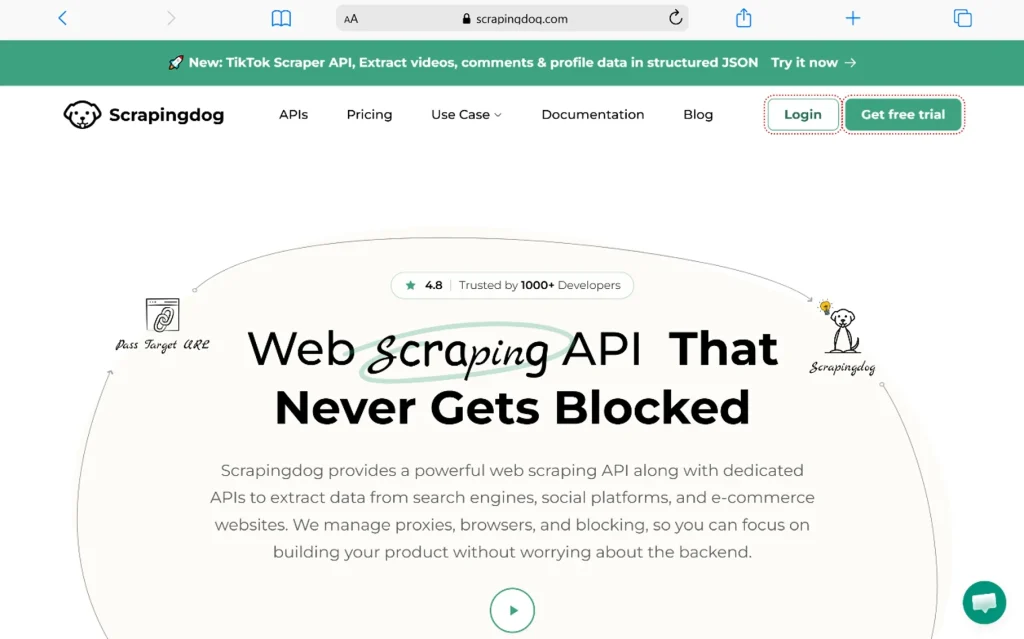
If you are looking for one alternative to replace ScrapingBee across the board, Scrapingdog is the strongest contender we have tested. In head-to-head benchmarks across Amazon, Idealista, and Glassdoor, Scrapingdog delivered 100% success rates while ScrapingBee failed on two of the three sites.
Here is how the numbers broke down in our testing:
| Provider | Amazon | Idealista | Glassdoor | Avg Response Time |
|---|---|---|---|---|
| Scrapingdog | 100% success, 4.96s | 100% success, 4.59s | 100% success, 4.13s | 4.56s |
| ScrapingBee | 100% success, 4.96s | 30% success, 4.59s | 0% success, 4.99s | 4.85s |
| ScraperAPI | 100% success, 22.40s | 100% success, 28.80s | 100% success, 32.20s | 27.80s |
| ZenRows | 100% success, 6.58s | Failed | Failed | 6.58s (1 site only) |
| ScrapingAnt | 100% success, 5.05s | 100% success, 9.03s | 0% success, 12.32s | 8.80s |
Scrapingdog was not just more reliable. It was faster, cheaper at scale, and came with dedicated endpoints for platforms like Google, Amazon, LinkedIn, Instagram, and Twitter. Those endpoints return structured JSON, which means you skip the HTML parsing step entirely. For teams building data pipelines, that is a massive time saver.
Pricing: Starts at $40/month for 200,000 API credits. Per-request cost drops to $0.0002 at entry level and below $0.000083 at higher volumes. The Google SERP API specifically is about 66% cheaper than ScrapingBee’s equivalent.
Best for: Teams that want the best combination of success rate, speed, and price. Especially strong for platform-specific scraping where dedicated endpoints eliminate parsing overhead.
Pros:
- Highest success rate in independent benchmarks
- Fastest average response times
- Lowest per-request cost at scale
- Dedicated JSON endpoints for major platforms
- 1,000 free credits to test before committing
Cons:
- Smaller brand recognition than Bright Data or Oxylabs
- No built-in scheduler or workflow automation
2. ScraperAPI: The Closest Drop-In Replacement
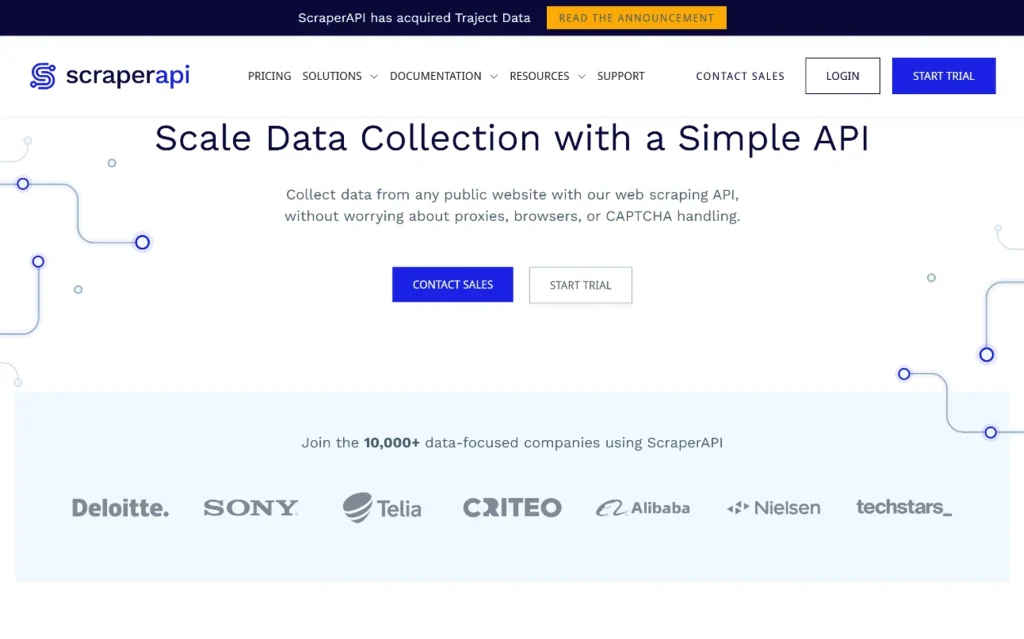
If your codebase is already integrated with ScrapingBee and you want to switch with minimal friction, ScraperAPI is the most direct swap. The API structure is nearly identical: send a URL, get HTML back, with proxy rotation and JS rendering handled automatically.
ScraperAPI rotates through 40 million IPs across 50+ countries and retries failed requests automatically. It supports custom headers, sessions for maintaining state, and async mode for bulk URL submission. The documentation covers Python, Node.js, and PHP with copy-paste examples that get you running in minutes.
The trade-off is speed. In our benchmarks, ScraperAPI averaged 27.80 seconds per request across tested sites, compared to Scrapingdog’s 4.56 seconds. For low-volume projects where latency does not matter, this is fine. For high-throughput pipelines, those extra 20+ seconds add up fast.
Pricing: Starts at $49/month for the Developer plan. Credit multipliers apply: 5x for JavaScript rendering, 10x for premium proxies, 25x for both combined.
Best for: Teams that want to migrate from ScrapingBee with minimal code changes. Good for reliability over speed.
Pros:
- Minimal surface area, easy integration
- 40M+ IP pool with automatic rotation
- Async mode and DataPipeline for scheduled scrapes
- Strong documentation across multiple languages
Cons:
- Significantly slower than competitors
- No structured data output, raw HTML only
- Credit multipliers can make costs unpredictable
3. Bright Data: When Failure Is Not an Option
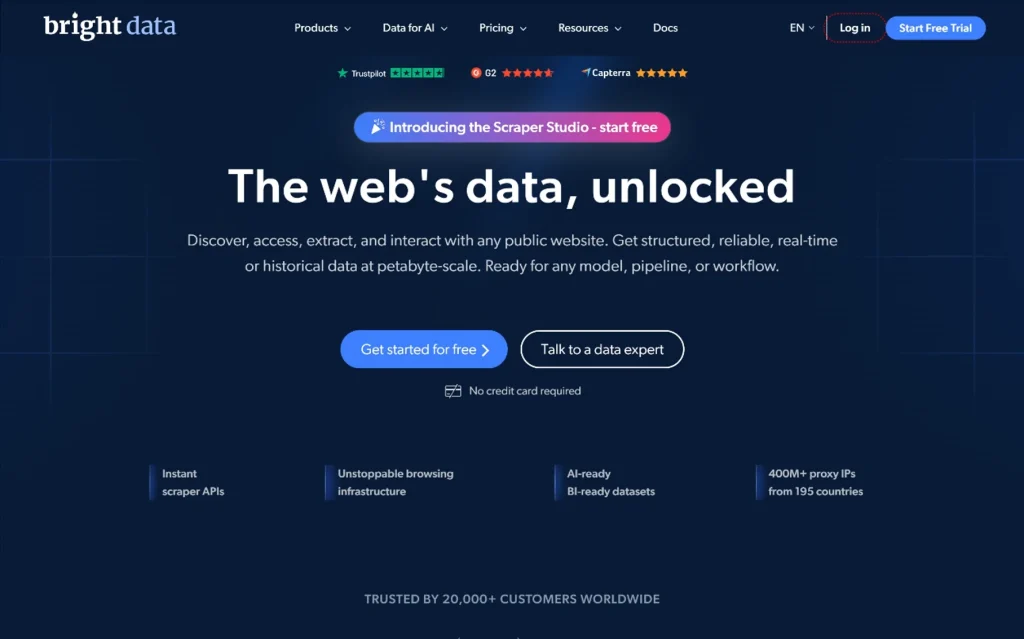
Bright Data, formerly Luminati, runs the largest proxy network in the industry with over 150 million residential IPs across 195 countries. If you are scraping heavily protected sites like Indeed, Zillow, Capterra, or Google at scale, and a failed request costs you money, Bright Data is where enterprises land.
In independent benchmarks by Scrape.do, Bright Data achieved a 98.44% average success rate across 11 providers, the highest result recorded. It hit 100% success on Indeed, Zillow, Capterra, and Google individually. No other provider matched that combination of peak and average performance.
The product suite goes beyond a simple API. You get the Web Scraper API, 120+ pre-built scrapers for major platforms, a Scraping Browser for complex JavaScript-heavy pages, and Web Unlocker for automatic access to protected sites. They are SOC 2 Type II certified and GDPR compliant, which matters if you are in a regulated industry.
The downside is cost and complexity. Bright Data starts around $500/month for serious volume. The learning curve is steep, documentation can be confusing, and the pricing structure does not make sense for smaller projects. This is a tool for teams with engineering resources and budgets to match.
Pricing: Enterprise-focused, typically $500+/month at serious volume. Custom pricing available.
Best for: Large teams scraping heavily protected sites where success rate is non-negotiable. Regulated industries requiring compliance certifications.
Pros:
- Largest proxy network in the industry
- Highest success rates in independent benchmarks
- 120+ pre-built scrapers for major platforms
- Enterprise compliance (SOC 2, GDPR, ISO 27001)
- 99.99% uptime SLA
Cons:
- Expensive for small to medium projects
- Steep learning curve
- Confusing documentation and pricing structure
4. Zyte: AI-Powered Structured Extraction
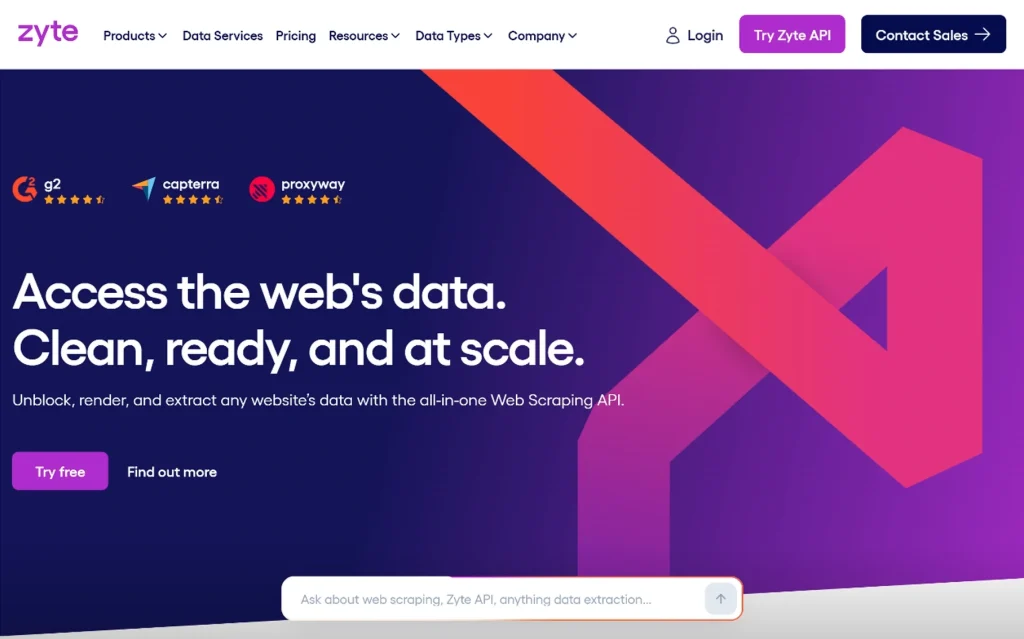
Zyte, formerly Scrapinghub, is the company behind Scrapy, the most widely used open-source web scraping framework. That pedigree shows in the product. Zyte API combines proxy management, headless browser rendering, and machine-learning-based structured extraction in a single endpoint.
The standout feature is AI extraction. Zyte’s ML layer can pull product data, article content, and job listings from arbitrary pages without requiring custom CSS selectors or XPath. For teams extracting data across the “long tail” of the web, where every site has a different structure, this is a genuine engineering advantage.
In Proxyway’s 2025 benchmark across 15 heavily protected sites, Zyte led all providers with a 93.14% success rate at 2 requests per second. It also delivered the fastest average response times and the highest sustained throughput.
The catch is pricing unpredictability. Zyte charges based on what each request actually needs. Easy targets are cheap. Difficult targets are expensive. In Proxyway’s testing, G2 and Hyatt alone consumed more than half the test budget. If you are scraping a mix of protected and unprotected sites, budgeting becomes a guessing game.
Pricing: Pay-as-you-go, approximately $1.01 per 1,000 requests on easy targets. No flat commitment required.
Best for: Scrapy users, teams needing AI-powered structured extraction, and projects scraping a wide variety of site types.
Pros:
- AI-powered structured extraction without custom selectors
- Top-ranked in Proxyway’s protected-site benchmark
- Natural fit for existing Scrapy infrastructure
- No flat commitment, pay for what you use
Cons:
- Pricing is highly unpredictable across domains
- Support response time issues documented on Trustpilot (3.1/5)
- Can get expensive on difficult targets without warning
5. Firecrawl: Built for the AI Era
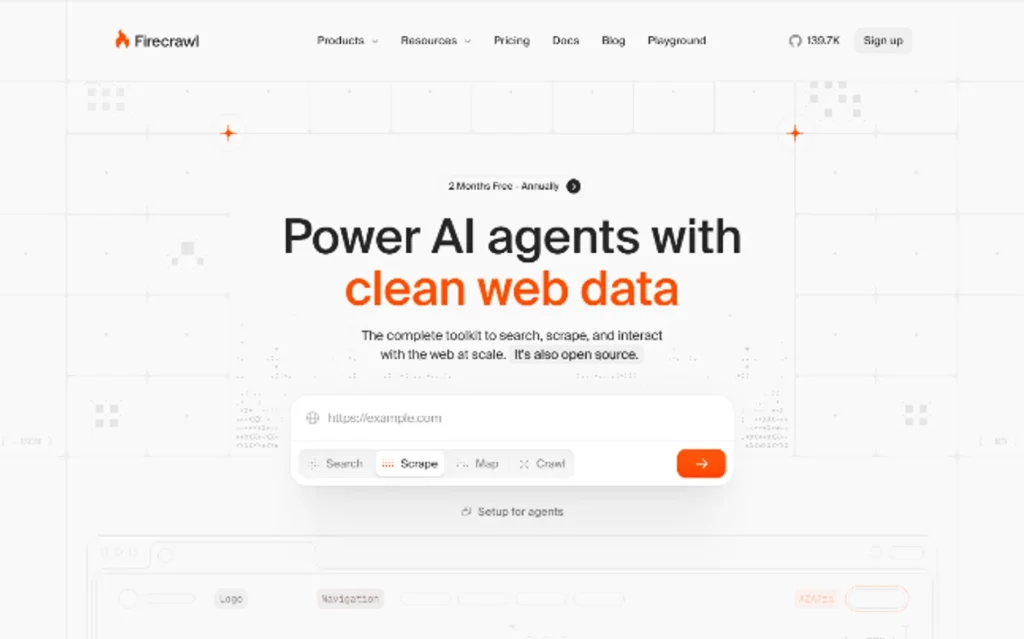
Firecrawl is the newest entrant on this list, and it represents a fundamental shift in how scraping APIs are designed. Instead of returning raw HTML that you still need to parse, Firecrawl returns LLM-ready Markdown and JSON. On average, its Markdown output uses 67% fewer tokens than raw HTML, which directly translates to lower API costs when feeding scraped data into language models.
The product is built for AI-native workflows. It integrates natively with LangChain, LlamaIndex, and AI coding agents via MCP (Model Context Protocol). The Browser Sandbox lets you run multi-step interactions, clicking buttons, filling forms, and extracting dynamic content without any local setup. The Agent endpoint can research the web autonomously from a single prompt.
For teams building RAG pipelines, AI agents, or any application where scraped data feeds directly into an LLM, Firecrawl is purpose-built for that workflow. It is not trying to be a general-purpose scraping API. It is trying to be the data layer for AI applications.
Pricing: Free tier with 1,000 credits/month. Paid plans start at $16/month for 5,000 credits. Standard endpoints cost 1 credit per page. Browser Sandbox is billed separately at 2 credits per minute.
Best for: Teams building AI applications, RAG pipelines, or any workflow where scraped data feeds into language models.
Pros:
- LLM-ready Markdown output, 67% fewer tokens than HTML
- Native integrations with LangChain, LlamaIndex, AI agents
- Browser Sandbox for multi-step interactions without local setup
- Agent endpoint for autonomous web research
- Open source, SOC 2 Type 2 compliant
Cons:
- Smaller community than older tools
- Agent feature uses separate token-based pricing
- Browser Sandbox billed separately from page credits
6. Oxylabs: Enterprise with an AI Copilot
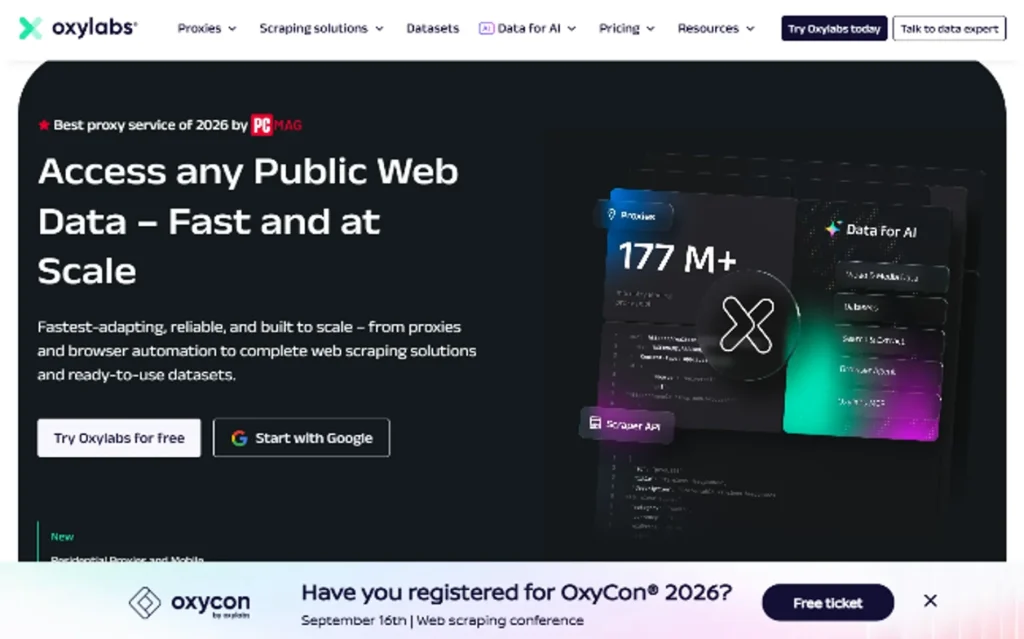
Oxylabs operates 100 million IPs across 195 countries and offers a full product stack: Web Scraper API, Web Unblocker, residential and datacenter proxies, and an AI-driven data extraction layer called OxyCopilot. In Proxyway’s 2025 benchmark, Oxylabs achieved an 85.82% success rate, strong though notably below Zyte and Bright Data.
The standout feature is OxyCopilot, an AI assistant built into the dashboard that generates request code from plain language prompts. You describe what data you want, and it outputs working code for both the scraping request and the parsing logic. For teams without dedicated scraping engineers, this can significantly reduce the barrier to entry.
Oxylabs uses bandwidth-based pricing rather than per-request billing, roughly $9.40 per GB for the Web Unblocker. This benefits teams scraping small numbers of large pages but can get expensive when scraping many small ones. Cost prediction requires knowing your target pages’ average file sizes in advance, which is often not practical.
Pricing: Starts at approximately $49/month. Web Unblocker at approximately $9.40/GB. Custom enterprise pricing available.
Best for: Enterprise data teams with consistent scraping targets and established engineering support. Teams that want AI-assisted code generation.
Pros:
- 100M+ IPs across 195 countries
- OxyCopilot generates scraping code from natural language
- Mature enterprise tooling with analytics dashboards
- AI-assisted parsing and structured extraction
- SOC 2 Type 1 certified
Cons:
- Bandwidth-based pricing makes cost prediction difficult
- 85.82% success rate, below top competitors
- Slowest average response time in Proxyway’s top tier (16.76s)
7. DataImpulse: The Budget DIY Route
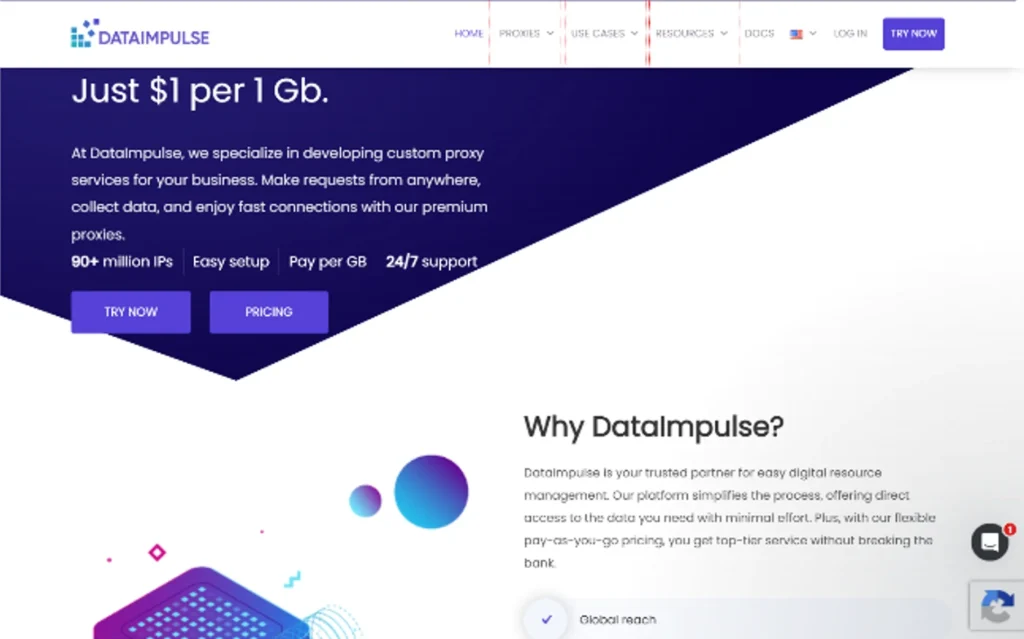
If you are comfortable running your own scraper and just need reliable IPs, DataImpulse is the cheapest way to replace ScrapingBee. Instead of paying per credit or per request, you pay for bandwidth: $1 per GB for residential proxies, $2 per GB for mobile proxies, across a 90M+ pool with country and city targeting, sticky sessions, and high concurrency.
You handle JavaScript rendering yourself using Playwright or Puppeteer. There is no credit math, no feature tiers, no surprise multipliers. You pay for the bandwidth you use and keep full control of headers, timing, retries, and parsing logic.
For anything beyond small jobs, this is by far the most cost-effective approach. A typical ScrapingBee request with JS rendering costs 5 credits. At their Freelance plan, that is $0.00098 per request. With DataImpulse, the same request might use a few KB of bandwidth, costing fractions of a cent. The savings compound quickly at scale.
Pricing: $1/GB residential, $2/GB mobile. No monthly commitment.
Best for: Technical teams that want full control and the lowest possible cost. Developers comfortable running their own scrapers.
Pros:
- Cheapest option for high-volume scraping
- Full control over headers, timing, and retries
- 90M+ IP pool with country/city targeting
- No credit multipliers or feature tiers
- Sticky sessions and high concurrency
Cons:
- You build and maintain the scraper yourself
- No managed API, no built-in parsing
- Requires technical expertise
8. ZenRows: Browser Automation on a Budget
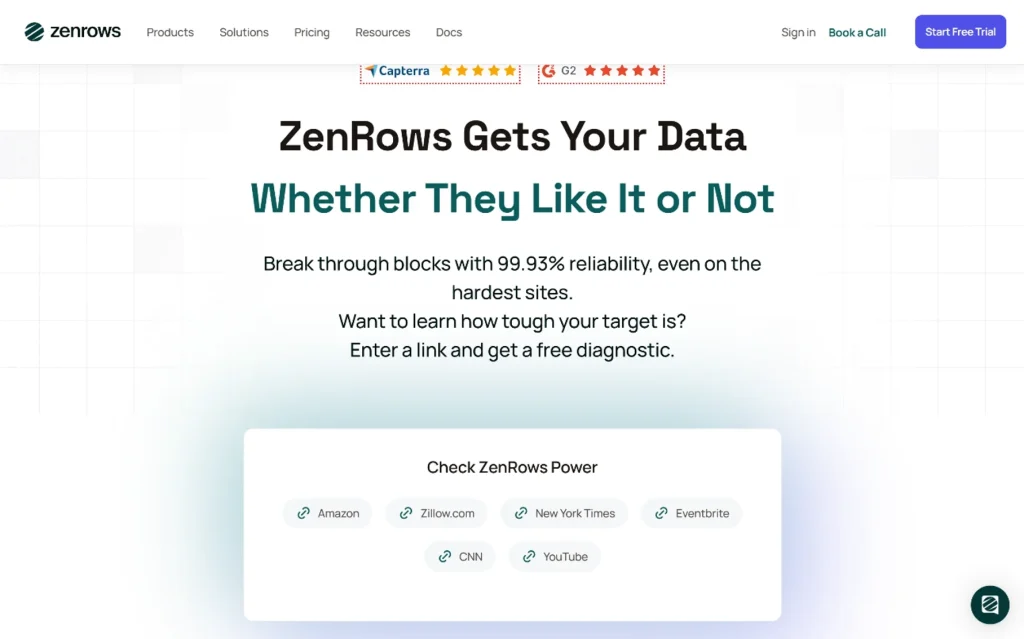
ZenRows runs Puppeteer and Playwright on cloud infrastructure, giving you browser automation capabilities without managing your own browser instances. The entry price is lower than Bright Data’s Scraping Browser, making it accessible to smaller teams that need JavaScript rendering and interaction capabilities.
In our benchmarks, ZenRows performed well on Amazon but failed on Idealista and Glassdoor entirely. The 6.58-second average response time on the one successful site was reasonable, but the 33% overall success rate is a concern for production workloads.
ZenRows provides 100 credits on signup and per-scrape costs starting at $0.000276, dropping below $0.000083 at higher volumes. The dashboard generates ready-to-use code snippets, which helps with integration. Support is email-only, which can be frustrating when you are debugging a failed scrape at 2 AM.
Pricing: Starts at $69.99/month for 250,000 basic requests. Multipliers: 5x for JS, 10x for premium proxy, 25x for both.
Best for: Teams that need browser automation on a budget and are willing to accept lower success rates on difficult sites.
Pros:
- Cloud-based Puppeteer/Playwright
- Lower entry price than Bright Data
- Code snippet generator in dashboard
- Good for JavaScript-heavy sites that work
Cons:
- Failed on 2 of 3 tested sites in benchmarks
- Email-only support
- Higher per-request cost than Scrapingdog at scale
9. Scrape.do: Solid Basics at a Lower Price
Scrape.do is a capable single-endpoint API that handles proxy rotation, JavaScript rendering, and anti-bot bypass. It offers 110 million proxies and a pay-only-for-success model, which means you are not charged for failed requests.
In testing, Scrape.do delivered sub-5-second response times on protected sites with strong unblock success rates. The $29/month Hobby plan includes 250,000 successful API credits and 10 concurrent requests, making it one of the most affordable entry points.
The downside is that credit multipliers still apply: 5x for rendering, 10x for premium proxies. And unlike Scrapingdog, there are no dedicated platform endpoints. You get HTML back and handle parsing yourself.
Pricing: Starts at $29/month for 250,000 credits. 1,000 free requests/month.
Best for: Budget-conscious teams that need a managed API without the complexity of larger platforms.
Pros:
- Lowest entry price among managed APIs
- 110M proxy pool
- Pay only for successful requests
- Good speed and reliability for the price
Cons:
- Credit multipliers apply
- No structured data output
- No dedicated platform endpoints
10. Browserless: For AI Agents and Full Automation
Browserless is not a traditional scraping API. It is browser infrastructure that gives you direct connections to real browsers via Puppeteer, Playwright, or a clean REST API. The key differentiator is AI agent support through an MCP (Model Context Protocol) server, which gives AI models persistent browser sessions they can navigate step by step.
With Browserless, your AI agent can log into sites, fill forms, click through paginated results, and extract structured data while maintaining state across turns. This goes far beyond what ScrapingBee offers, which stops at basic data extraction.
Browserless also supports self-hosted deployment inside your own VPC, which matters for data residency requirements or when policy dictates that data cannot leave your infrastructure.
Pricing: Free plan available. Paid plans scale with usage.
Best for: Teams building AI agents that need to interact with the web like humans. Organizations with data residency requirements.
Pros:
- MCP server for AI agent integration
- Full browser automation, not just scraping
- Self-hosted deployment option
- Persistent browser sessions
- 8 years of production reliability
Cons:
- More complex than a simple API
- Requires technical expertise to set up
- Not a drop-in replacement for basic scraping needs
How to Choose the Right ScrapingBee Alternative
The best alternative depends on four questions:
1. Do you want to write code or use a no-code tool?
If you prefer no-code, look at Octoparse or ParseHub. If you are writing code, the APIs on this list are your starting point.
2. Is the page heavy on JavaScript?
For JS-rendered sites, you need browser automation or a render API. Scrapingdog, Bright Data, and Browserless handle this well. For static HTML, any proxy-based API works.
3. Do you need hosting, scheduling, and datasets?
Apify offers a full platform with serverless runs, datasets, webhooks, and integrations. If you only need IPs, go with DataImpulse or Bright Data proxies.
4. Is the output for an LLM?
If your scraped data feeds into an AI pipeline, Firecrawl is purpose-built for this. Its Markdown output saves tokens and integrates natively with LangChain and AI agents.
The Bottom Line
ScrapingBee is a decent tool, but it is not the best option for every use case. If you want the best overall performance and value, Scrapingdog leads in speed, success rate, and price. If you need enterprise reliability for the hardest targets, Bright Data is unmatched. If you are building AI-native applications, Firecrawl is designed for that workflow. And if you want the cheapest possible route with full control, DataImpulse’s $1/GB residential proxies are hard to beat.
The web scraping market is projected to reach $2.23 billion by 2030, driven by AI training data demand, e-commerce intelligence, and SERP monitoring. The tools are getting better, faster, and more specialized. The key is matching the right tool to your specific workflow, budget, and technical constraints.
Test before you commit. Every provider on this list offers free credits or a free tier. Run your actual target URLs through each one, measure success rates and response times, and calculate your real cost per successful request. That is the only way to know which alternative actually works for your project.
You May Also Like
 Proxies
10 Best Proxy Providers for AI Agents in 2026: The Definitive Buyer’s Guide
 Web Scraping
What Is Web Scraping and How Does It Work? A Complete 2026 Guide
 Web Scraping
How to Handle CAPTCHA While Scraping: A 2026 Developer’s Guide
 Proxies
Best Proxies for Web Scraping In 2026: How I Choose the Right Provider and Proxy Type
 Proxies
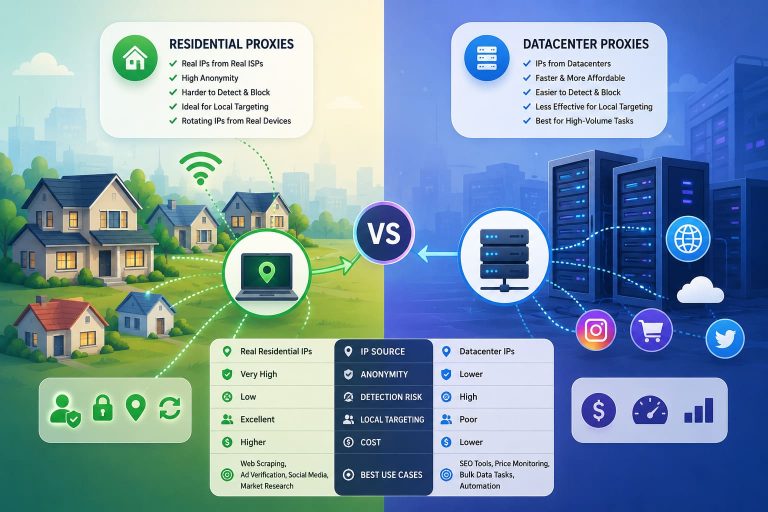
Residential vs Datacenter Proxies: Use Cases and Best Providers (2026)
 Web Scraping
Cloudflare Blocking Scrapers Explained: Your 2026 Guide to Anti-Bot Protection
 Web Scraping
How Google Maps Scraping Actually Works (And Where Most Attempts Go Wrong)
 Web Scraping
Scrap.io Review 2026: What This Google Maps Lead Generation Tool Actually Gets Right (and Where It Falls Short)
 Web Scraping