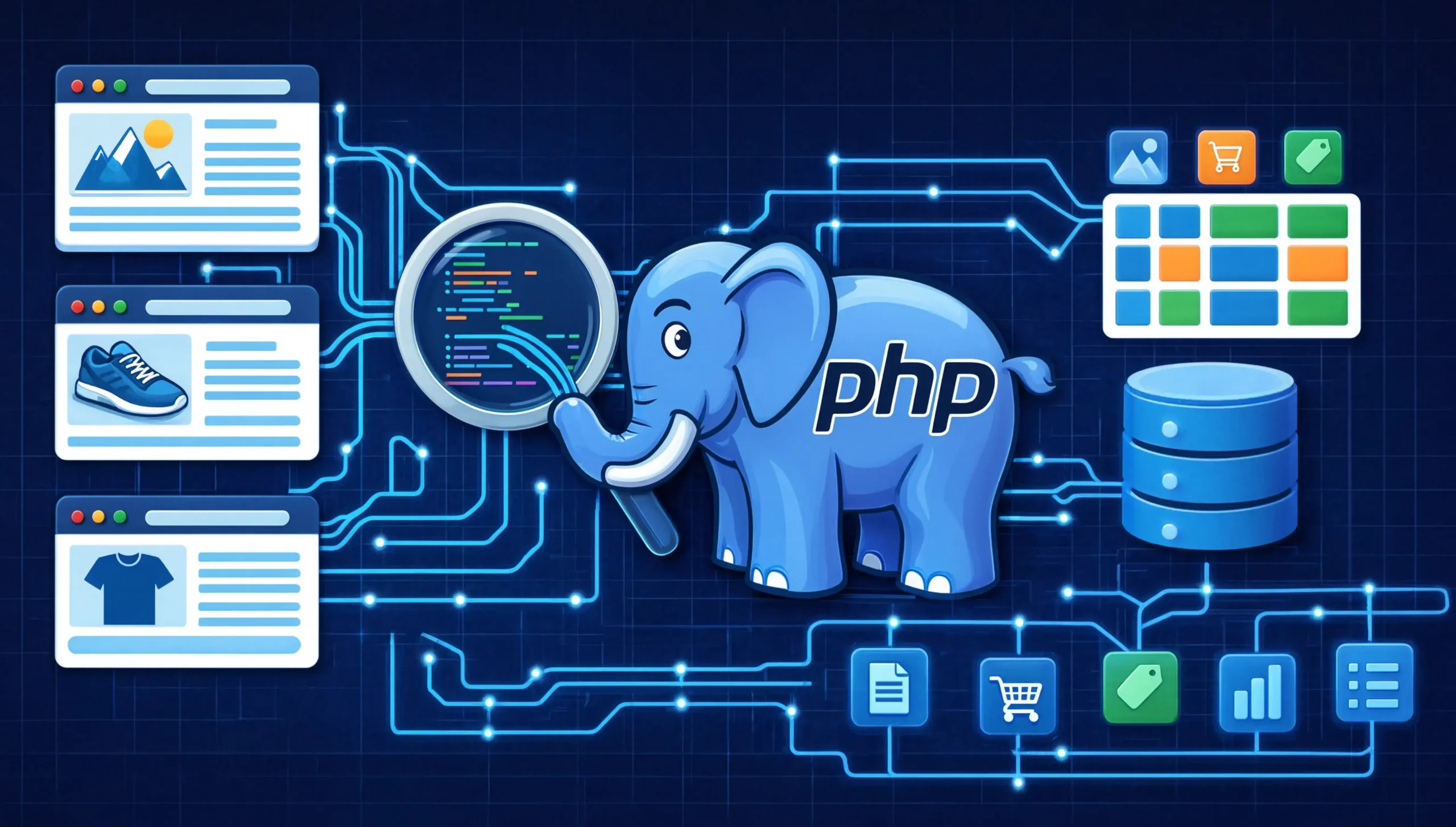
PHP is still a strong language for web scraping if your stack already lives in PHP. The biggest 2026 update is not just “use cURL and DOMDocument.” Modern PHP now gives you a better HTML5-aware parsing path with Dom\HTMLDocument in PHP 8.4+, while the old Goutte path is officially abandoned in favor of Symfony HttpBrowser. For most real projects, the winning stack is: Guzzle for HTTP, DomCrawler or Dom\HTMLDocument for parsing, HttpBrowser for form and link workflows, and Panther only when JavaScript rendering is truly required.
Who this guide is for
This tutorial is for developers, technical marketers, indie founders, and agency teams who already work in PHP and want to extract structured web data without switching to Python just because “that is what everyone says.” If your day-to-day stack is Laravel, Symfony, WordPress, or custom PHP, you can absolutely build reliable scrapers in the same ecosystem.
In practice, most PHP scraping projects fail for boring reasons, not exotic ones: weak selectors, no retry strategy, no session handling, and parsing the wrong HTML because the page is actually rendered by JavaScript. That is the real gap this article closes.
What changed for PHP scraping in 2026
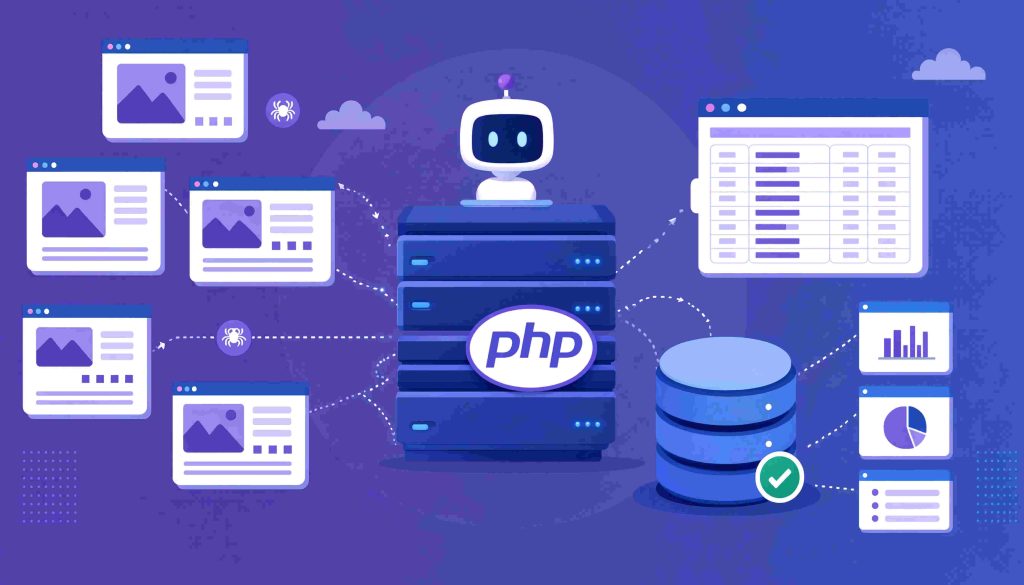
The most important update is PHP 8.4‘s new DOM API. The official PHP release notes say PHP 8.4 adds a new DOM API with standards-compliant HTML5 parsing, bug fixes, and more convenient document handling via Dom\HTMLDocument and Dom\XMLDocument. The PHP manual also explicitly warns that DOMDocument::loadHTML() uses an HTML4 parser and recommends Dom\HTMLDocument::createFromString() or createFromFile() for modern HTML.
The second major update is library direction. Goutte is no longer the right recommendation for new projects. Its Packagist page marks it as abandoned and says to replace Goutte\Client with Symfony\Component\BrowserKit\HttpBrowser. That means old tutorials that still present Goutte as the default choice are outdated.
The third update is about choosing the right tool by page type. Guzzle still supports async requests and Pool, which matters when you need higher throughput. Symfony Panther remains the “real browser” option when JavaScript execution is unavoidable. RoachPHP has also matured into a credible Scrapy-like toolkit for larger crawling pipelines in PHP.
Why PHP is still a serious scraping language
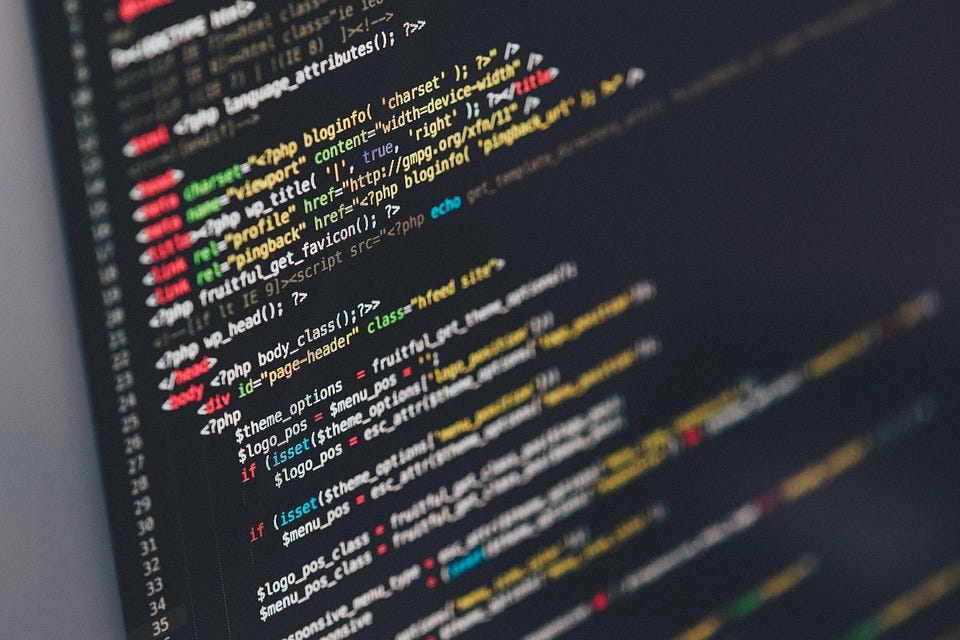
Practical advantage: If your app, queue workers, deployment scripts, and data storage are already in PHP, the cheapest stack is usually the one your team can debug at 2 a.m.
Built-in leverage: PHP ships with mature HTTP and DOM fundamentals. The cURL extension supports HTTP, HTTPS, POST, PUT, proxies, cookies, and authentication, which covers a large part of real scraping work before you install anything extra.
Ecosystem advantage: Guzzle gives you modern HTTP ergonomics, Symfony DomCrawler gives you CSS selectors and traversal, BrowserKit gives you browser-like navigation and form submission, Panther gives you real-browser rendering, and RoachPHP gives you spider-style architecture when a scraper turns into a larger data product.
Best PHP scraping tools by use case
| Tool | Best for | JavaScript support | Why use it | When not to use it |
|---|---|---|---|---|
| ext-curl | Low-level HTTP control | No | Fine-grained headers, cookies, proxies, auth | When boilerplate starts slowing you down |
| Guzzle | Most HTTP fetching | No | Clean API, middleware, async, Pool | When you need real DOM interaction or JS rendering |
| Dom\HTMLDocument | Modern HTML5 parsing in PHP 8.4+ | No | Better match for modern browser parsing | If you are stuck on older PHP |
| DOMDocument + XPath | Built-in parsing | No | Zero extra dependencies | Less ideal for modern HTML5 than Dom\HTMLDocument |
| Symfony DomCrawler | CSS selectors and DOM traversal | No | Cleaner extraction code than raw XPath | Not enough when the page depends on JS |
| Symfony HttpBrowser | Link clicking, form flows, session-aware scraping | No | Browser-like workflow without a full browser | Not enough for JS-rendered content |
| Symfony Panther | JavaScript-heavy pages | Yes | Real Chrome/Firefox control | Expensive and slower than HTTP-based scraping |
| RoachPHP | Multi-page crawling pipelines | Depends on your downloader stack | Spider architecture, pipelines, middleware | Overkill for one-off scrapers |
My rule of escalation: Start with the cheapest layer that can work. First raw HTTP, then structured parser, then browser simulation, then real browser. Most projects become fragile when they start with a headless browser too early.
The modern stack I recommend
For a new PHP scraping project in 2026, this is the stack I would recommend first:
- Static pages: Guzzle +
Dom\HTMLDocumentor Symfony DomCrawler - Forms, pagination, sessions: Symfony
HttpBrowser - JavaScript rendering: Symfony Panther
- Multi-spider architecture: RoachPHP
- High-friction anti-bot targets: A managed scraping API, only if the maintenance cost justifies it
That recommendation is based on the current state of PHP and Symfony tooling, not on old Goutte-era blog posts.
Project setup
Use PHP 8.4+ if you can. That gives you the new DOM API and a more modern parsing path for HTML5-heavy pages.
mkdir php-scraper && cd php-scraper
composer init --no-interaction
composer require guzzlehttp/guzzle symfony/dom-crawler symfony/css-selector symfony/browser-kit symfony/http-client monolog/monolog
If you plan to handle JavaScript-rendered pages:
composer require symfony/panther
Example 1: Fast static-page scraping with Guzzle and Dom\HTMLDocument
For clean demo code, use a scrape-friendly site such as https://books.toscrape.com/. It is ideal for testing selectors, pagination, and storage workflows without turning your tutorial into an anti-bot arms race.
Why this example matters
Most people searching “web scraping with PHP” are not looking for theory. They want to fetch a page, parse real fields, and store usable data.
This is where I start almost every new scraper. If the page is static, a headless browser is wasted money and time.
Fetch the page
<?php

require __DIR__ . '/vendor/autoload.php';

use GuzzleHttp\Client;

$client = new Client([
    'timeout' => 20,
    'headers' => [
        'User-Agent' => 'Mozilla/5.0 (Windows NT 10.0; Win64; x64) AppleWebKit/537.36 Chrome/126 Safari/537.36',
        'Accept-Language' => 'en-US,en;q=0.9',
    ],
]);

$html = (string) $client->get('https://books.toscrape.com/')->getBody();

echo substr($html, 0, 500);
Why Guzzle here: Guzzle gives you a clean client, request defaults, middleware support, and async tooling when you scale beyond a one-page demo. Its docs also support concurrent requests via promises and Pool, which is useful once you start crawling dozens or hundreds of pages.
Parse modern HTML with PHP 8.4
<?php

require __DIR__ . '/vendor/autoload.php';

use GuzzleHttp\Client;

$client = new Client([
    'timeout' => 20,
    'headers' => [
        'User-Agent' => 'Mozilla/5.0 (Windows NT 10.0; Win64; x64) AppleWebKit/537.36 Chrome/126 Safari/537.36',
    ],
]);

$html = (string) $client->get('https://books.toscrape.com/')->getBody();

$doc = Dom\HTMLDocument::createFromString($html);

$books = [];

foreach ($doc->querySelectorAll('article.product_pod') as $card) {
    $titleNode = $card->querySelector('h3 a');
    $priceNode = $card->querySelector('.price_color');
    $stockNode = $card->querySelector('.availability');

    $books[] = [
        'title' => $titleNode?->getAttribute('title') ?? '',
        'price' => trim($priceNode?->textContent ?? ''),
        'stock' => trim($stockNode?->textContent ?? ''),
    ];
}

print_r(array_slice($books, 0, 3));
2026 update: This is one of the biggest improvements missing from older tutorials. The PHP manual now warns against relying on DOMDocument::loadHTML() for modern HTML because it uses an HTML4 parser. For HTML5-compliant parsing, PHP 8.4 introduced Dom\HTMLDocument. That matters because bad parsing leads to bad selectors, and bad selectors lead to silent data loss.
Example 2: Cleaner selectors with Symfony DomCrawler
If you prefer CSS-selector workflows, DomCrawler is usually more readable than hand-written XPath.
<?php

require __DIR__ . '/vendor/autoload.php';

use GuzzleHttp\Client;
use Symfony\Component\DomCrawler\Crawler;

$client = new Client([
    'headers' => [
        'User-Agent' => 'Mozilla/5.0 (Windows NT 10.0; Win64; x64) AppleWebKit/537.36 Chrome/126 Safari/537.36',
    ],
]);

$html = (string) $client->get('https://books.toscrape.com/')->getBody();

$crawler = new Crawler($html);

$books = $crawler->filter('article.product_pod')->each(function (Crawler $node) {
    return [
        'title' => $node->filter('h3 a')->attr('title'),
        'price' => trim($node->filter('.price_color')->text()),
        'stock' => trim($node->filter('.availability')->text()),
    ];
});

print_r(array_slice($books, 0, 3));
DomCrawler supports XPath, CSS selectors through the CssSelector component, link handling, form handling, and traversal of native DOM objects. Symfony also notes that DomCrawler attempts to fix malformed HTML, which helps on messy real-world pages. S
Practical takeaway: If your team reads CSS faster than XPath, DomCrawler improves maintenance immediately.
Example 3: Pagination and forms with Symfony HttpBrowser
This is the spiritual replacement for Goutte.
<?php

require __DIR__ . '/vendor/autoload.php';

use Symfony\Component\BrowserKit\HttpBrowser;
use Symfony\Component\HttpClient\HttpClient;

$browser = new HttpBrowser(HttpClient::create([
    'headers' => [
        'User-Agent' => 'Mozilla/5.0 (Windows NT 10.0; Win64; x64) AppleWebKit/537.36 Chrome/126 Safari/537.36',
    ],
]));

$books = [];
$url = 'https://books.toscrape.com/catalogue/a-light-in-the-attic_1000/index.html';

while ($url) {
    $crawler = $browser->request('GET', $url);

    $crawler->filter('article.product_pod')->each(function ($node) use (&$books) {
        $books[] = [
            'title' => $node->filter('h3 a')->attr('title'),
            'price' => trim($node->filter('.price_color')->text()),
            'stock' => trim($node->filter('.availability')->text()),
        ];
    });

    $next = $crawler->filter('li.next a');
    $url = $next->count()
        ? 'https://books.toscrape.com/catalogue/' . $next->attr('href')
        : null;
}

echo "Collected " . count($books) . " books\n";
Symfony documents HttpBrowser as a way to make external HTTP requests with BrowserKit, then use the same browser-like methods to extract information, click links, submit forms, and carry cookies/history. That makes it excellent for login flows, multi-step scrapes, and session-aware navigation without paying the cost of a real browser.
Important correction: Do not present Goutte as the recommended default in a new article. Goutte is abandoned, and its own package page says to migrate to HttpBrowser.
Example 4: JavaScript-heavy pages with Symfony Panther
Some pages do not fail because your selectors are wrong. They fail because the data is not in the original HTML at all.
Challenge marker: If view-source: shows empty containers, loading spinners, or almost no target content, the page probably needs JavaScript execution.
<?php

require __DIR__ . '/vendor/autoload.php';

use Symfony\Component\Panther\Client;

$client = Client::createChromeClient();

$crawler = $client->request('GET', 'https://example.com/dynamic-page');

$client->waitFor('.results-container', 10);

$items = $crawler->filter('.results-container .item')->each(function ($node) {
    return [
        'title' => trim($node->filter('.item-title')->text()),
    ];
});

print_r($items);

$client->quit();
Panther uses real browsers through the W3C WebDriver protocol. Symfony documents that it can run in headless mode, execute JavaScript, and support everything Chrome or Firefox supports. That makes it the correct tool for infinite scroll, client-side rendering, and interaction-heavy pages.
Experience-based advice: Treat Panther as a last escalation step, not a default. It solves rendering problems, but it also increases CPU usage, runtime, and operational complexity.
When RoachPHP is the better architectural choice
If you are building one spider, one output file, and one cron job, Guzzle plus DomCrawler is enough.
If you are building five spiders, a queue, item pipelines, middleware, export processors, and scheduled jobs, you should look at RoachPHP. Roach describes itself as a complete web scraping toolkit for PHP, inspired by Scrapy, with spiders, pipelines, middleware, and framework-agnostic usage. That makes it much closer to a maintainable crawling framework than a set of isolated scripts.
Rule of thumb: Once your scraper starts needing shared middleware, retry policies, duplicate filtering, and multiple site-specific spiders, a framework pays for itself.
Storing scraped data: CSV, JSON, and MySQL
The storage format should match the downstream use case, not your personal preference.
CSV: best for flat exports
<?php

$fp = fopen('books.csv', 'w');
fputcsv($fp, ['title', 'price', 'stock']);

foreach ($books as $book) {
    fputcsv($fp, [$book['title'], $book['price'], $book['stock']]);
}

fclose($fp);
JSON: best for APIs or nested data
<?php

file_put_contents(
    'books.json',
    json_encode($books, JSON_PRETTY_PRINT | JSON_UNESCAPED_UNICODE)
);
MySQL with PDO: best for queryable production storage
<?php

$pdo = new PDO(
    'mysql:host=127.0.0.1;dbname=scraper;charset=utf8mb4',
    'user',
    'pass',
    [PDO::ATTR_ERRMODE => PDO::ERRMODE_EXCEPTION]
);

$stmt = $pdo->prepare(
    'INSERT INTO books (title, price, stock) VALUES (:title, :price, :stock)'
);

foreach ($books as $book) {
    $stmt->execute([
        ':title' => $book['title'],
        ':price' => $book['price'],
        ':stock' => $book['stock'],
    ]);
}
Best practice: Always normalize fields before saving. Trim whitespace, convert prices to numeric values where possible, and store crawl metadata such as timestamp, source URL, and HTTP status. That metadata saves you later when you need to explain anomalies in a dashboard.
Production practices that actually matter
1. Retries with backoff
<?php

use GuzzleHttp\Client;
use GuzzleHttp\Exception\GuzzleException;

function fetchWithRetry(Client $client, string $url, int $maxRetries = 3): string
{
    for ($attempt = 1; $attempt <= $maxRetries; $attempt++) {
        try {
            return (string) $client->get($url)->getBody();
        } catch (GuzzleException $e) {
            if ($attempt === $maxRetries) {
                throw $e;
            }

            sleep($attempt * 2);
        }
    }

    throw new RuntimeException('Unexpected retry failure.');
}
Why this matters: Scrapers fail in the network layer all the time. A scraper without retries is not “simple.” It is brittle.
2. Structured logging
<?php

use Monolog\Handler\RotatingFileHandler;
use Monolog\Logger;

$log = new Logger('scraper');
$log->pushHandler(new RotatingFileHandler(__DIR__ . '/logs/scraper.log', 7));

$log->info('Fetch started', ['url' => $url]);
$log->error('Fetch failed', ['url' => $url, 'message' => $e->getMessage()]);
3. Concurrency, but only where safe
Guzzle supports asynchronous requests and Pool, which is useful when you have many independent URLs. This can dramatically improve throughput on list-detail patterns, but it should be paired with sane concurrency caps and rate limiting. Faster is not always better if it gets your IP blocked or your target starts serving inconsistent responses.
4. Selector resilience
Better selector: Prefer stable semantics such as data-* attributes, consistent hierarchy, or nearby labels.
Fragile selector: Deep class chains copied from a frontend framework build.
Example:
Bad:
div.row > div.col-md-9 > div.card:nth-child(2) > span.value
Better:
[data-testid="price"]
5. Save raw responses during debugging
When a selector suddenly breaks, save the HTML snapshot that caused the error. Most production debugging gets easier once you compare “expected HTML” vs “actual HTML returned to the bot.”
Avoiding blocks without turning your article into a proxy ad
Use realistic headers
The PHP cURL extension supports cookies, proxies, HTTPS, POST/PUT, and authentication, which is why it is still foundational for scraper transport. Whether you use raw cURL or Guzzle, send a normal User-Agent, sensible language headers, and maintain cookies where the site expects session continuity.
Respect robots.txt
RFC 9309 formalized the Robots Exclusion Protocol and explains how crawlers should interpret robots.txt. Google also explains that robots.txt primarily manages crawler traffic and is mainly about avoiding overload, not security. For scraping teams, the practical lesson is simple: check robots.txt, document your decision, and do not treat it as irrelevant just because your scraper can technically ignore it.
Rate-limit yourself
Add randomized delays where appropriate. Limit parallelism per host. Separate discovery from detail-page fetching. If the site is small, scrape more slowly than you think you need to.
Do not start with residential proxies
Experience note: Many developers reach for proxies before they have even fixed headers, cookies, timing, and selector quality. That is backwards. Start by making your scraper behave like a competent client. Escalate infrastructure only if the target actually requires it.
Legal and ethical guidance for real teams

This is not legal advice, but you should not publish a scraping guide in 2026 without explaining the distinction between technical access and legal risk.
The big practical lesson from the hiQ v. LinkedIn Saga is nuanced: public web scraping has often been discussed through the CFAA lens, but terms of service, account creation, fake accounts, and contract claims still matter. A legal summary of the case notes that public-facing scraping was treated differently from access behind authorization barriers, while LinkedIn still prevailed on breach-of-contract claims in later stages.
What smart teams do:
- Scrape only what they have a legitimate use for
- Avoid collecting personal data casually
- Review terms of service for high-value targets
- Treat login-protected scraping as a higher-risk category
- Record retention, purpose, and deletion policies for scraped data
Takeaway: “Public page” does not always mean “zero legal risk.”
Common PHP scraping mistakes that still show up in weak tutorials
Mistake 1: Recommending Goutte as the default
That recommendation is stale. New projects should use HttpBrowser instead.
Mistake 2: Using DOMDocument::loadHTML() as if nothing changed
The PHP manual now explicitly warns about HTML4 parsing differences and points modern users to Dom\HTMLDocument.
Mistake 3: Jumping straight to regex
Regex still has narrow uses, but HTML extraction should be parser-first. Regex for HTML usually breaks on harmless markup changes.
Mistake 4: Treating JavaScript pages like static pages
If the data is rendered client-side, more retries will not help. You need the right rendering strategy.
Mistake 5: Ignoring storage schema
A scraper that “prints to stdout” is not a pipeline. Decide early whether you need CSV, JSON, relational storage, or event-driven output.
FAQ
Is PHP still good for web scraping in 2026?
Yes. PHP remains strong for teams already invested in the PHP ecosystem, especially with cURL, Guzzle, Symfony components, and the improved DOM story in PHP 8.4.
Should I use DOMDocument or Dom\HTMLDocument?
If you are on PHP 8.4+, use Dom\HTMLDocument for modern HTML whenever possible. The PHP manual explicitly recommends it over DOMDocument::loadHTML() for modern HTML parsing.
Is Goutte dead?
For new work, yes, effectively. Its package is marked abandoned, and the migration path is Symfony\Component\BrowserKit\HttpBrowser.
When should I choose Guzzle over cURL?
Use cURL when you need very low-level control or tiny scripts. Use Guzzle for most projects because it gives you cleaner client config, middleware, async requests, and Pool support.
Can PHP scrape JavaScript-heavy pages?
Yes. Symfony Panther uses real browsers and supports JavaScript execution. Use it only when the content is not available through plain HTTP responses or discoverable XHR/API calls.
What is the best PHP library for large crawling jobs?
If you are building a true crawler, not just a script, RoachPHP is one of the most interesting modern choices because it brings spider and pipeline architecture into PHP.
How do I avoid getting blocked?
Use stable headers, persistent cookies when needed, sensible concurrency, randomized delays, and robots.txt awareness. Escalate to proxies or managed scraping infrastructure only when the target actually requires it.
Is scraping public data always legal?
No. Public accessibility reduces some technical-access arguments, but terms of service, personal data, and contract issues can still create risk.
Final takeaway
The best PHP scraping advice in 2026 is not “PHP can scrape too.” It is this:
- Use the simplest tool that matches the page.
- Parse modern HTML with modern parsers.
- Do not recommend abandoned libraries as defaults.
- Treat reliability and politeness as core features, not optional extras.
If you want a scraper that survives real production use, the winning PHP path today is usually:
- Guzzle for transport
Dom\HTMLDocumentor DomCrawler for extractionHttpBrowserfor navigation and forms- Panther only for true JavaScript rendering
- RoachPHP when one scraper becomes a crawling platform
You May Also Like
 Web Scraping
What Is Web Scraping and How Does It Work? A Complete 2026 Guide
 Web Scraping
How to Handle CAPTCHA While Scraping: A 2026 Developer’s Guide
 Proxies
Best Proxies for Web Scraping In 2026: How I Choose the Right Provider and Proxy Type
 Web Scraping
Cloudflare Blocking Scrapers Explained: Your 2026 Guide to Anti-Bot Protection
 Web Scraping
How Google Maps Scraping Actually Works (And Where Most Attempts Go Wrong)
 Web Scraping
Scrap.io Review 2026: What This Google Maps Lead Generation Tool Actually Gets Right (and Where It Falls Short)
 Web Scraping
The 7 Best PHP Web Scraping Libraries of 2026: The Ultimate Guide
 Web Scraping
User-Agent Rotation: What Actually Works (and What Google Detects in Milliseconds)
 Web Scraping