Every scraping tutorial I’ve ever read opens the same way: “A User-Agent is a string sent by your browser…” and then dumps a list of UAs from 2019 that, if you actually paste them into your scraper today, will get you flagged before your first pagination loop finishes.
This is not that article. What follows is a current, honest list of User-Agents that work in production, plus the parts most guides skip — why the same UA that worked last quarter is now a liability, what detection systems actually check beyond the UA string, and the small habits that separate scrapers that survive from scrapers that get fingerprinted into oblivion.
What a User-Agent Really Is (and Why Most of It Is a Lie)
The User-Agent is a string in the HTTP request header that tells a server which browser, engine, and OS is knocking. Servers use it for everything from serving the right CSS to deciding whether you’re a bot.
Here’s a Chrome 149 UA on Windows 11 — the current stable channel as of mid-2026 according to Chrome’s developer release notes:
Mozilla/5.0 (Windows NT 10.0; Win64; x64) AppleWebKit/537.36 (KHTML, like Gecko) Chrome/149.0.0.0 Safari/537.36
Now, the embarrassing truth: most of that string is archaeology.
Mozilla/5.0— Every browser opens with this because, in the Netscape era, servers sniffed for “Mozilla” to decide whether to serve the modern version of a page. Nobody dared remove it. Chrome, Firefox, Safari, Edge, even curl-impersonate all pretend to be Mozilla.(Windows NT 10.0; Win64; x64)— Windows 11 still identifies itself asWindows NT 10.0. Microsoft never bumped the platform token. If you “modernize” this toWindows NT 11.0, congratulations: you just invented a UA that doesn’t exist in the wild and you’ll stand out like a flare.AppleWebKit/537.36 (KHTML, like Gecko)— Frozen since roughly 2013. KHTML hasn’t been a meaningful engine in two decades. It’s there because removing it breaks user-agent sniffers on legacy sites.Chrome/149.0.0.0— The only field that actually moves.Safari/537.36— Chrome tags itself with Safari for the same compatibility reasons.
Read it twice and the conclusion is unavoidable: the User-Agent string is almost entirely ritual. Which is exactly why no serious anti-bot vendor relies on it alone anymore.
The Real Reason UAs Still Matter for Scraping
There’s a popular claim in scraping tutorials that “the right User-Agent bypasses Cloudflare.” This stopped being true around 2021. What’s actually true is more useful:
A wrong UA gets you blocked at the door. A right UA gets you to the next door.
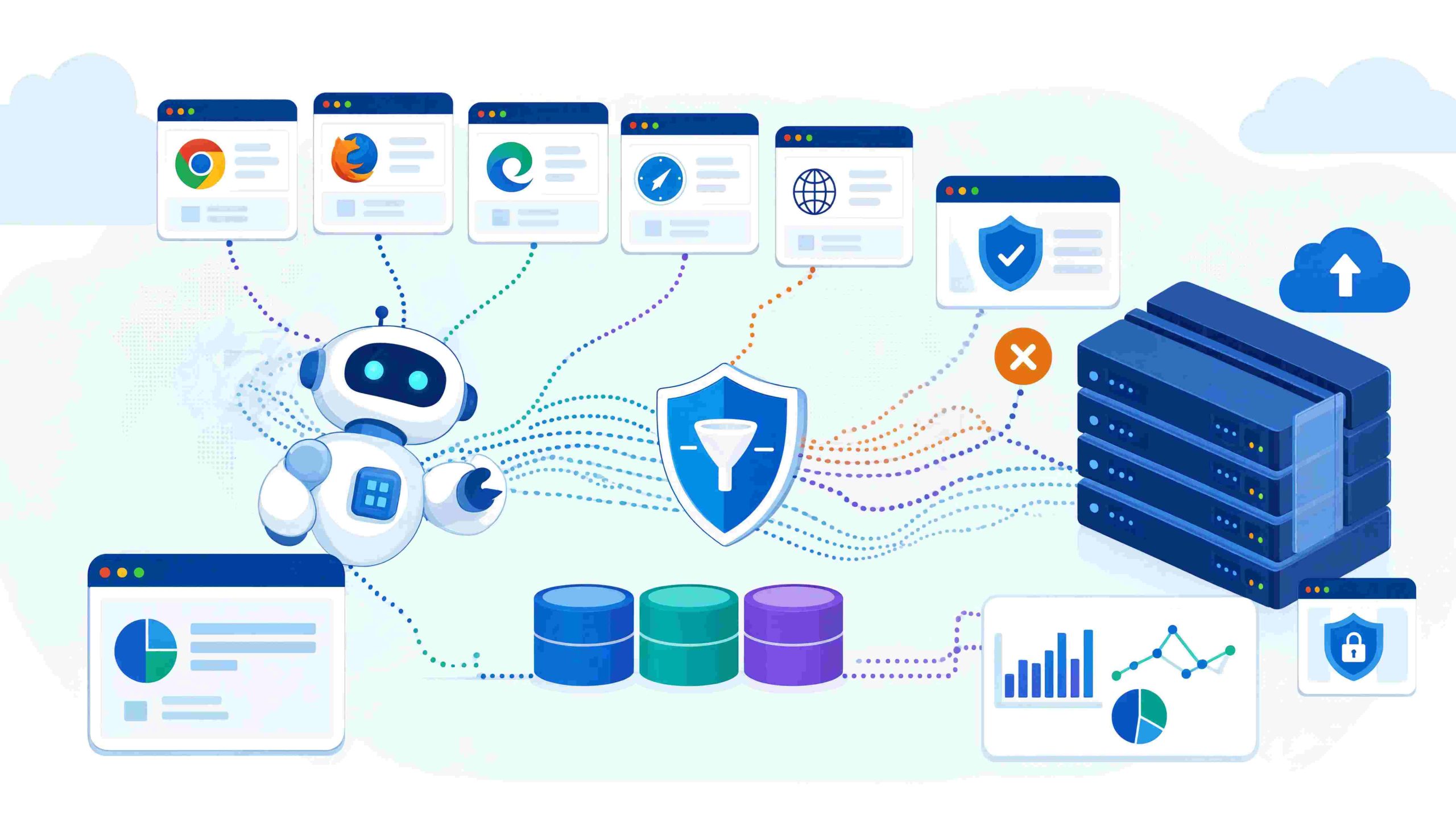
Modern bot detection is a stack. The UA is the first checkpoint — the doorman’s glance. Beyond it sit TLS fingerprinting (JA3/JA4), HTTP/2 frame ordering, header order and casing, IP reputation, JavaScript challenges, mouse movement analysis, and increasingly, User-Agent Client Hints — a set of headers like Sec-CH-UA, Sec-CH-UA-Mobile, and Sec-CH-UA-Platform Chromium browsers now send alongside the legacy UA string per the W3C draft.
If your scraper sends a Chrome 149 User-Agent but no Sec-CH-UA header at all, you’ve created a contradiction. A real Chrome browser physically cannot do that. Detection systems notice.
So the right framing isn’t “pick the perfect UA.” It’s:
Pick a UA that’s plausibly current, send it consistently with the headers a real browser would send alongside it, and rotate it in a way that doesn’t introduce its own pattern.
The List: User-Agents That Currently Pass the First Glance
These reflect stable browser versions as of mid-2026. I’ve kept the list short on purpose. Ten well-chosen UAs that match real-world traffic distribution will outperform a list of two hundred scraped from a UA database, because most of those two-hundred-long lists include exotic combinations (Firefox on Android tablet, Opera Mini on Linux) that real users almost never produce and triggering “rare UA” heuristics is the same as triggering “bot” heuristics.
Chrome (the bulk of real traffic)
Mozilla/5.0 (Windows NT 10.0; Win64; x64) AppleWebKit/537.36 (KHTML, like Gecko) Chrome/149.0.0.0 Safari/537.36
Mozilla/5.0 (Macintosh; Intel Mac OS X 10_15_7) AppleWebKit/537.36 (KHTML, like Gecko) Chrome/149.0.0.0 Safari/537.36
Mozilla/5.0 (X11; Linux x86_64) AppleWebKit/537.36 (KHTML, like Gecko) Chrome/149.0.0.0 Safari/537.36
One note on the macOS string: Intel Mac OS X 10_15_7 is what real Chrome on Apple Silicon Macs still sends. Chrome deliberately freezes this token to reduce the fingerprinting surface. Don’t “fix” it to 14_5_0 thinking you’re being clever — you’ll be the only fake-Chrome user reporting that combination.
Edge (a meaningful slice on Windows Enterprise)
Mozilla/5.0 (Windows NT 10.0; Win64; x64) AppleWebKit/537.36 (KHTML, like Gecko) Chrome/149.0.0.0 Safari/537.36 Edg/149.0.0.0
Firefox 151 (stable as of May 2026)
Mozilla/5.0 (Windows NT 10.0; Win64; x64; rv:151.0) Gecko/20100101 Firefox/151.0
Mozilla/5.0 (Macintosh; Intel Mac OS X 14.5; rv:151.0) Gecko/20100101 Firefox/151.0
Mozilla/5.0 (X11; Linux x86_64; rv:151.0) Gecko/20100101 Firefox/151.0
The 20100101 build date in Firefox UAs is also frozen — same anti-fingerprinting reason.
Safari 26 on macOS
Mozilla/5.0 (Macintosh; Intel Mac OS X 10_15_7) AppleWebKit/605.1.15 (KHTML, like Gecko) Version/26.0 Safari/605.1.15
Note the engine version diverges from Chrome: Safari uses AppleWebKit/605.1.15, not 537.36. If you mix them up (a surprisingly common copy-paste mistake), you’ve created a UA string that no real browser ever emitted.
What I deliberately left out
- Mobile UAs. Use them only if the site you’re scraping actually serves a meaningful mobile experience and you’ve also matched the mobile viewport and touch capabilities. A desktop scraper sending an iPhone UA is a textbook bot signal.
- Old Chrome versions (130, 135, etc.). Real users update. The long tail of outdated UAs is overwhelmingly bots, ad scanners, and broken corporate browsers, exactly the bucket you don’t want to land in.
- Bot-friendly UAs like
Googlebot. Spoofing Googlebot is the fastest way to get blocked, because most production sites reverse-DNS-verify Google’s IP ranges. Mismatch = instant ban.
Setting a User-Agent in Python: The Bare Minimum and What’s Missing
Here’s the version of this snippet every other guide shows:
import requests

headers = {
    "User-Agent": "Mozilla/5.0 (Windows NT 10.0; Win64; x64) AppleWebKit/537.36 (KHTML, like Gecko) Chrome/149.0.0.0 Safari/537.36"
}
r = requests.get("https://httpbin.org/headers", headers=headers)
print(r.text)
It works. It’s also incomplete in a way that gets people blocked. A real Chrome 149 request doesn’t just send a UA it sends about a dozen headers, in a specific order, with specific casing. Here’s a closer-to-realistic version:
import requests

headers = {
    "User-Agent": (
        "Mozilla/5.0 (Windows NT 10.0; Win64; x64) "
        "AppleWebKit/537.36 (KHTML, like Gecko) "
        "Chrome/149.0.0.0 Safari/537.36"
    ),
    "Accept": "text/html,application/xhtml+xml,application/xml;q=0.9,image/avif,image/webp,*/*;q=0.8",
    "Accept-Language": "en-US,en;q=0.9",
    "Accept-Encoding": "gzip, deflate, br, zstd",
    "Sec-CH-UA": '"Chromium";v="149", "Not?A_Brand";v="24", "Google Chrome";v="149"',
    "Sec-CH-UA-Mobile": "?0",
    "Sec-CH-UA-Platform": '"Windows"',
    "Sec-Fetch-Dest": "document",
    "Sec-Fetch-Mode": "navigate",
    "Sec-Fetch-Site": "none",
    "Sec-Fetch-User": "?1",
    "Upgrade-Insecure-Requests": "1",
}

r = requests.get("https://example.com", headers=headers)
print(r.status_code)
Two things worth absorbing:
- The
Sec-CH-UAvalue is structured. It includes a deliberately fake brand ("Not?A_Brand") — this is Google’s GREASE pattern, intentionally inserted to keep developers from hard-coding brand checks. The fact that it looks broken is the point. Real Chrome sends it. If you omit it but claim to be Chrome, you’re lying loudly. Sec-CH-UA-Platformmust agree with the UA. If the UA saysWindows NT 10.0but the platform hint says"Linux", you’ve handed the server a contradiction it didn’t even have to work for.
The requests library has another quiet betrayal: it sorts and re-cases headers in a way that doesn’t match Chrome. For high-stakes targets, you eventually graduate to httpx, curl_cffi, or tls-client — libraries that let you control header order and even mimic Chrome’s TLS fingerprint. But that’s a bridge to cross when the simple approach stops working, not before.
Rotation, Done in a Way That Doesn’t Create New Patterns
The naive rotation pattern looks like this:
import random, requests

USER_AGENTS = [ ... ]  # your list

for url in urls:
    headers = {"User-Agent": random.choice(USER_AGENTS)}
    requests.get(url, headers=headers)
This is better than no rotation. It’s also the rotation pattern every bot uses, which is why detection systems now profile rotation behaviour itself. Two failure modes show up constantly:
Failure 1: UA changes, everything else stays the same. Your IP, your TLS fingerprint, your cookies, your session — all identical, but the UA flips every request. No real human does that. A real session keeps the same UA for its entire lifetime. Fix: bind a UA to a session, not a request.
import random, requests

USER_AGENTS = [ ... ]

def new_session():
    s = requests.Session()
    ua = random.choice(USER_AGENTS)
    s.headers.update({"User-Agent": ua, ...})  # plus the matching Sec-CH-UA family
    return s

# Use one session for a coherent burst of activity, then rotate.
Failure 2: UA changes but the matching Client Hints don’t. If you randomly pick a Firefox UA but keep sending Sec-CH-UA (Firefox doesn’t send it), you’ve created another impossible browser. Either rotate the whole header bundle as a unit, or stick to UAs from the same family.
The cleanest mental model: a UA is not a string, it’s a passport. The passport has to be internally consistent — name, photo, country of issue, visa stamps — or border control gets curious.
What I’d Skip from the fake_useragent Library
A lot of guides recommend fake_useragent to dynamically pull “fresh” UAs. In practice it has two problems worth knowing about before you wire it into production:
- Its upstream source has gone stale or unavailable multiple times, leading to either ancient cached UAs or hard failures depending on the version.
- It draws from a broad distribution that includes lots of low-frequency UAs (obscure mobile browsers, old Edge versions, Yandex variants). “Diverse” sounds good until you realize that “diverse” is statistically distinguishable from “what real visitors to this site look like.”
A maintained list of 8–15 modern UAs, weighted roughly toward Chrome on Windows (which is something like 60% of real desktop traffic globally), will outperform a random pull from a UA database almost every time.
The Things That Block You That Aren’t the User-Agent
Worth saying plainly, because it’s where most “I rotated my UAs but I’m still blocked” threads end up:
- TLS fingerprint (JA3/JA4). Python’s
requestsproduces a TLS handshake that screams “Python.” No UA in the world hides that. Solutions:curl_cffi(impersonates Chrome’s TLS),tls-client, or a real headless browser. - HTTP/2 fingerprint. The order in which HTTP/2 frames and settings are sent is also browser-specific and also profiled.
- IP reputation. Datacenter IPs (AWS, GCP, Azure, OVH) are flagged on most commercial sites regardless of how perfect your headers are. Residential or mobile proxies move the needle far more than UA rotation does.
- Behavioural signals. Time-to-first-click, scroll velocity, mouse acceleration curves. These only matter once you’re using a headless browser, but once you are, they matter a lot.
- Header consistency over time. A scraper that sends the exact same headers in the exact same order for 50,000 requests is more obviously a bot than one with a slightly wrong UA.
If you’ve handled all of the above and you’re still getting blocked, then it’s time to consider commercial bypass services. Not before. The order matters because the cheap fixes get you 80% of the way.
A Checklist You Can Actually Use
Before declaring your UA strategy “done,” walk through this:
- My UAs reflect browsers released in the last 3–6 months.
- My UA versions match what the same browser would actually report (no Windows 11 platform tokens, no fabricated Safari/WebKit version pairs).
- I send
Sec-CH-UA,Sec-CH-UA-Mobile,Sec-CH-UA-Platformwhen claiming to be Chromium — and I don’t send them when claiming to be Firefox or Safari. - One UA per session, not one UA per request.
- My header order and casing roughly match the browser I’m impersonating (worth using
httpxorcurl_cffiif the target is hostile). - I weight my rotation toward common UAs, not exotic ones.
- My IP layer is at least as serious as my header layer.
Closing Thought
User-Agent management is the first 10% of not getting blocked, and it punches above its weight because it’s the cheapest layer to get right. But it’s a layer, not a strategy. The scrapers I see survive long-term aren’t the ones with the longest UA lists — they’re the ones whose authors internalized that everything they send, from TLS bytes to scroll events, has to tell the same story.
Pick a small, current, internally-consistent set of UAs. Pair them with the headers a real browser actually sends. Rotate at the session level, not the request level. And when something starts failing, resist the temptation to blame the UA list first — it’s almost always the layer underneath.
You May Also Like
 Web Scraping
What Is Web Scraping and How Does It Work? A Complete 2026 Guide
 Web Scraping
How to Handle CAPTCHA While Scraping: A 2026 Developer’s Guide
 Proxies
Best Proxies for Web Scraping In 2026: How I Choose the Right Provider and Proxy Type
 Web Scraping
Cloudflare Blocking Scrapers Explained: Your 2026 Guide to Anti-Bot Protection
 Web Scraping
How Google Maps Scraping Actually Works (And Where Most Attempts Go Wrong)
 Web Scraping
Scrap.io Review 2026: What This Google Maps Lead Generation Tool Actually Gets Right (and Where It Falls Short)
 Web Scraping
The 7 Best PHP Web Scraping Libraries of 2026: The Ultimate Guide
 Use Cases
Inside Kimwolf Traffic: How Residential Proxies Fuel Credential Stuffing, Web Scraping, & Fraud
 Web Scraping