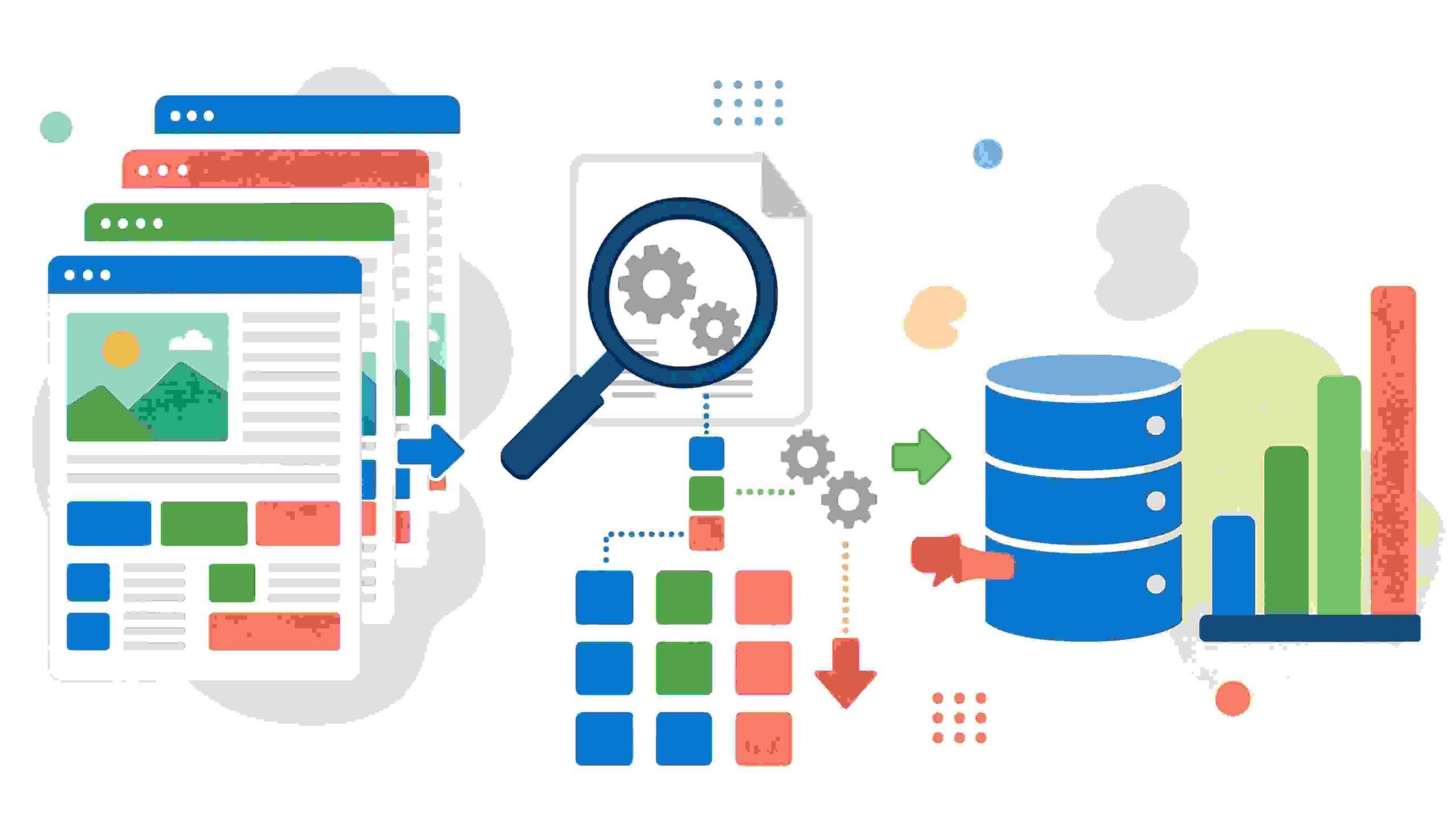
Selenium is a powerful tool for web scraping. However, mastering it takes time and practice, especially for beginners. To help you get started on the right foot, it’s crucial to follow a set of best practices that not only enhance your scraping efficiency but also keep your code clean and well-organized. Below are essential best practices to keep in mind as you embark on your web scraping journey with Selenium.
Understand the Basics of Web Scraping
Before diving into Selenium, it’s important to grasp the fundamentals of web scraping. This includes understanding how the web is structured, the types of data available, and the difference between static and dynamic content. Knowing how to identify elements using HTML tags, classes, and IDs is vital for effective scraping. Familiarizing yourself with XPath and CSS selectors will make your life easier as you navigate through web pages.
Install the Required Tools
To start using Selenium, you need to have a few tools in place:
- Python or another programming language: Selenium supports several languages, but Python is widely used due to its simplicity.
- Selenium WebDriver: This is the core component that allows you to interact with web browsers.
- Browser Drivers: Depending on your browser of choice (Chrome, Firefox, etc.), you’ll need the respective driver installed.
- Packages: Make sure to install required libraries, including `selenium` and possibly `pandas` for data manipulation.
Manage Browser Sessions Wisely
It’s important to manage your browser sessions when scraping web pages. Open sessions consume system resources, so it’s best to handle them efficiently:
- Use ‘with’ statements: This ensures that the browser closes properly after use, freeing up resources.
- Limit session time: Don’t keep browser instances open longer than necessary. This can lead to unwanted backtracking.
- Headless Browsing: Consider using headless mode, which allows your scripts to run without opening a browser window.
Respect Robots.txt & Terms of Service
Before scraping a website, always check its robots.txt file. This file indicates which parts of the site can and cannot be scraped. Ignoring these guidelines could lead to your IP being blocked.
Implement Error Handling and Delays
Web scraping can lead to various errors, such as timeouts or element not found exceptions. Here’s how to handle them:
- Use try-except blocks: This allows you to manage errors without halting your entire script.
- Implement delays: Use `time.sleep()` or Selenium’s explicit waits to pause your script for site loading times, reducing the chances of encountering errors.
Store Data Efficiently
Once you gather data, determine how to store it effectively. You can use:
- CSV files: Great for simple tabular data. Use Python’s `pandas` library for easy data management.
- Databases: For larger projects, consider using databases like SQLite or MongoDB to store and manage data.
Maintain Code Cleanliness and Documentation
To ensure your code is maintainable, follow these guidelines:
- Comment your code: Provide comments and documentation for future reference, especially if you plan to revisit your scraping project later.
- Break down large functions: Keep your functions focused and limited to one task, making debugging easier.
Monitor Your Scraping Activity
Keep track of how often you scrape a website and the amount of data retrieved. This not only helps to avoid IP bans but also ensures that you are scraping responsibly:
- Log your activities: Create log files for tracking scraping sessions, errors, and data collected.
- Set scraping frequency: Avoid frequent scrapes; consider scripts to run at intervals rather than continuously.
With these essential best practices for Selenium web scraping, you’ll be well-equipped to gather web data effectively and responsibly. The key lies in understanding your tools, respecting guidelines, and keeping your code organized. As you gain experience, you’ll refine these practices to match your unique scraping needs.
Overcoming Common Challenges in Selenium Web Scraping
When working with Selenium for web scraping, you may encounter a range of challenges that can hinder your project’s success. However, with the right strategies, these obstacles can be managed effectively. Below are common issues and how to resolve them, helping you to enhance your web scraping processes.
Identifying Dynamic Content
Many websites load content dynamically, meaning data may not be immediately available in the HTML structure. The first step is to ensure you understand how the website you’re scraping operates. Use browser developer tools to inspect elements and figure out how content is loaded. Here’s how to handle dynamic content:
- Wait Strategies: Implement explicit waits to allow Selenium time to locate elements that appear after page rendering.
- Action Chains: Use Action Chains to interact with elements that need precise actions to be revealed.
- JavaScript Execution: Your script can execute JavaScript to force content to load or manipulate the DOM.
Handling CAPTCHA and Anti-bot Mechanisms
Many sites employ CAPTCHAs and other anti-bot measures to prevent scraping. Overcoming these requires careful approach:
- Browser Profiles: Using Selenium, create profiles that mimic a real user’s behavior (browser history, cookies).
- Proxy Servers: Rotate IP addresses using proxy servers to avoid being detected as a bot.
- Delays: Introduce random delays between requests to simulate human browsing behavior.
Data Extraction Efficiency
Extracting data efficiently is crucial. A poorly structured approach can lead to unnecessary complexity and longer run times. Consider these techniques:
- XPath vs. CSS Selectors: Choose the right method for selecting elements based on your needs. XPath can be more versatile than CSS selectors for complex data structures.
- Taking Screenshots: Capture screenshots of the page to document issues or verify what was scraped if unexpected results arise.
- Data Cleanup: Post-process your data to remove unnecessary information right after extraction.
Managing Page Load Times
Slow-loading pages can disrupt your scraping efforts, leading to incomplete data grabs. Here are some solutions:
- Asynchronous Loading: Understand how the website loads data asynchronously and adjust your scraping logic accordingly.
- Timeout Settings: Configure reasonable timeout settings to avoid waiting indefinitely.
- Prefetching Data: If possible, prefetch data needed for your scraping ahead of time to avoid delays.
Data Storage and Management
After scraping, you need a strategy for managing that data. You can use various storage options based on your project’s scale:
| Storage Type | Description |
|---|---|
| CSV Files | Simple and widely supported for small datasets. |
| Databases | Use databases like MySQL or MongoDB for larger data sets that require complex querying. |
| Cloud Storage | Options like AWS S3 for scalable storage solutions. |
Troubleshooting Errors
Errors can often derail your scraping process. Identifying and fixing them can be tricky:
- Review Logs: Always log actions and errors for better insight into issues that arise.
- Debugging Tools: Use tools like Selenium IDE for debugging your scripts interactively.
- Community Support: Engage with community forums like Stack Overflow to ask questions and gather insights from others who have faced similar issues.
By proactively addressing these challenges, you can significantly improve the reliability and performance of your web scraping with Selenium. Each solution enhances your ability to collect data efficiently, directing your focus back toward extracting useful insights for your needs.
Optimizing Your Selenium Scripts for Speed and Efficiency
When it comes to web scraping with Selenium, speed and efficiency are key. Whether you’re gathering data for research, building a dataset, or monitoring web content, optimizing your Selenium scripts can significantly enhance performance. Here are some essential tips to help you achieve this.
Choose the Right WebDriver
Choosing the appropriate WebDriver for your task can greatly impact performance. For instance:
- ChromeDriver: Excellent for speed and supports a wide range of modern features.
- FirefoxDriver: Good for flexibility and customizability.
- EdgeDriver: Ideal for users working in a Windows environment.
Evaluate the specific needs of your project to select the WebDriver that best fits your requirements.
Utilize Implicit and Explicit Waits
Implementing proper wait strategies can prevent your script from running into issues caused by elements not being available immediately. Here’s a brief overview:
- Implicit Waits: This defines a default waiting time for the entire session. It allows Selenium to poll the DOM constantly until the desired element is found.
- Explicit Waits: This allows you to set a specific condition and wait longer for specific elements to appear. This is particularly useful for dynamic content.
Combining both waits can lead to better performance while ensuring reliability in finding web elements.
Optimize Element Locators
Efficiently locating elements can minimize execution time significantly. Opt for the fastest locator strategies:
- ID: The quickest way to find elements. Always prefer this when available.
- Name: This is slightly slower than ID but can still be effective.
- CSS Selectors: Fast and versatile, making them a great choice for finding elements based on their attributes.
- XPaths: Although powerful, XPaths can be slower. Use them sparingly and optimize them when needed.
Choosing the right locator not only speeds up the scraping process but also enhances code readability.
Reduce Browser Overhead
Running a browser can be resource-intensive. Here are some tactics to minimize its load:
- Headless Mode: Switch to headless mode to run your scripts without a graphical interface, leading to faster performance.
- Disable Browser Features: Disabling images, JavaScript, and other resource-heavy aspects can speed things up. Configure your WebDriver for these settings.
- Increase Browser Speed Settings: Adjust settings such as enabling ‘fast load’ options if available.
These adjustments can lead to significantly enhanced scraping speeds.
Implement Multi-Threading
Utilizing multi-threading can further reduce the time required to scrape data. Here’s how it works:
- Divide your tasks across multiple threads, allowing your scripts to access different parts of the webpage concurrently.
- This can maximize resource utilization and reduce bottlenecks caused by waiting for single-threaded operations.
Be mindful to avoid creating too many threads, which could lead to throttling or blockage by the website you are scraping.
Efficient Data Storage
Optimizing your data storage methods can impact performance. Consider the following options:
- In-memory Data Structures: Store data in lists or dictionaries for quick access and processing before saving to a file or database.
- Batch Inserts: When inserting large amounts of data into databases, use batch inserts instead of inserting one row at a time to enhance performance.
- File Handling: If saving scraped data as CSV or JSON files, ensure you’re writing to the file efficiently to minimize runtime.
By adopting these optimization techniques, you can significantly enhance the speed and efficiency of your Selenium scripts. This ensures a smooth scraping experience, allowing you to derive meaningful insights from the collected data far more quickly.
Ethical Considerations in Web Scraping with Selenium
Web scraping is a powerful technique that allows you to extract data from websites using automation tools like Selenium. While it is a valuable skill for data gathering and analysis, there are several ethical considerations you should keep in mind to ensure responsible usage.
The first step in ethical web scraping is understanding the terms of service of the websites you intend to scrape. Most sites include specific clauses about automated access and how their data can be used. Before initiating a scraping project, always read the terms. Violating these terms can lead to being banned from the site and potential legal repercussions.
Another essential aspect to consider is the privacy of individuals. When scraping websites that contain personal data, it is crucial to think about the implications of gathering and using that information. Here are some key points to ponder:
- Personal Information: Always respect user privacy. Avoid collecting personally identifiable information (PII) unless absolutely necessary and permissible.
- Data Storage: Ensure that any personal or sensitive data you collect is stored securely and used in compliance with applicable data protection laws, such as GDPR or CCPA.
- Data Usage: Be transparent about how you intend to use the data collected. Misuse can lead to reputational damage and potential legal issues.
Additionally, the ethical consideration of consent plays a vital role in web scraping. If you plan to scrape a website, consider reaching out to the site owner for permission. Although some may argue it’s unnecessary given how data is available online, this practice promotes transparency and can foster positive relationships with content owners.
Moreover, the volume of requests made during scraping can significantly impact website performance. Be considerate and avoid sending too many requests in a short span of time, as this could overload a server and negatively affect other users. Implementing techniques such as
- Rate Limiting: Spread your requests over time to minimize server impact.
- Polite Scraping: Use delays between requests and respect robots.txt files, which indicate if and how a site permits crawling.
Automated scraping, especially using a robust tool like Selenium, poses challenges related to bot detection. Websites often implement measures such as CAPTCHAs and IP bans to deter scraping. It’s essential to be aware of these mechanisms and navigate them respectfully. Attempting to bypass these measures can not only be unethical but also illegal.
Transparency is also an ethical pillar in web scraping. Always strive to cite your sources and give credit where it’s due. For instance, if you are using scraped data for a research project, acknowledge the original website or data source to maintain credibility and integrity.
In contexts where data is scraped for competitive analysis, you must tread carefully. While gathering insights from competitors is part of business strategy, it’s essential to avoid unethical practices, such as scraping trade secrets or proprietary data protected by law. Engaging in competitive intelligence should be done with respect for fair business practices.
When using Selenium for web scraping, be mindful of the implications of the technology itself. Automated scripts might unintentionally trigger security alerts or lead to unintentional negative consequences if not programmed correctly. Regular testing and updates of your script can ensure that it operates smoothly.
| Ethical Considerations | Best Practices |
|---|---|
| Understanding Terms of Service | Always read the website’s terms to avoid violations. |
| Respect Privacy | Avoid collecting PII without consent. |
| Rate Limiting | Implement delays between requests. |
| Seek Permission | Contact the site owner before scraping. |
| Proper Use of Data | Be transparent on how you will use the scraped data. |
By adhering to these ethical practices, you can harness the power of Selenium for web scraping responsibly. This not only protects you from potential legal issues but also contributes to a safer and more respectful online ecosystem.
Advanced Techniques to Enhance Selenium Web Scraping Projects
Selenium web scraping can vastly optimize your data collection process, but it often requires more than just basic techniques. To effectively enhance your Selenium web scraping projects, consider implementing advanced strategies that can streamline your workflow and improve accuracy. Here’s how you can take your web scraping to the next level.
Utilize Headless Browsers
One of the primary advantages of using Selenium is its capability to control web browsers. By employing a headless browser, you can run your Selenium scripts without a visible UI. This method not only speeds up your scraping tasks but also conserves system resources. Popular headless browsers include:
- Headless Chrome
- PhantomJS
- Headless Firefox
Implement Explicit Waits
Web pages often take time to load, which can lead to errors if your script attempts to interact with elements that aren’t ready. Instead of using time.sleep(), which halts your entire script arbitrarily, utilize Selenium’s explicit waits. This creates a more efficient scraping workflow. Here’s how:
- Import the necessary WebDriverWait and expected_conditions modules.
- Set up your wait conditions to check for specific elements.
This approach makes your code cleaner and prevents unnecessary delays.
Optimize Your Locators
Efficient locators are pivotal in web scraping. You should prioritize the following types for optimal performance:
| Locator Type | Description | Best Use Case |
|---|---|---|
| ID | Unique identifier for an element. | Always the first choice, when available. |
| CSS Selector | Powerful and allows for advanced selection. | When specific hierarchies are needed. |
| XPATH | Path expression for navigating XML-like structures. | For complex nested elements. |
Use Proxies
When scraping data at scale, your IP may get blocked. To mitigate this risk, incorporate proxies into your scraping projects. Rotating proxies can help avoid detection and keep your scraping operation smooth.
- Residential proxies
- Datacenter proxies
- Mobile proxies
Manage Browser Sessions with Cookies
Staying logged into a site while scraping can significantly improve efficiency. By saving session cookies, you can maintain your authenticated session across multiple requests. Here’s how to work with cookies:
- Log into the website and retrieve cookies after a successful login.
- Store these cookies in a file or database.
- Load the cookies when re-opening the browser session.
Implement Data Cleaning Techniques
Once you’ve scraped your data, ensuring its quality becomes essential. Use Python libraries like Pandas to clean and structure your data. This might include:
- Removing duplicates.
- Filling missing values.
- Standardizing data formats.
Document Your Code
Documenting your code is not just good practice; it’s vital for long-term success in web scraping projects. Include detailed comments explaining complex logic and decisions throughout your code. This can save time for future revisions and help others understand your work better.
Conduct Regular Maintenance
Websites frequently change their layouts, which can break your scraping scripts. Regularly check and update your scrapers to ensure they function smoothly. Monitoring tools can also alert you when your scraping scripts fail, saving you headaches later.
By integrating these advanced techniques into your Selenium web scraping projects, you can enhance efficiency and accuracy while saving time and resources. Remember, maintaining good practices not only improves your scraping outcomes but also contributes to a scalable and effective data extraction strategy.
Conclusion
Mastering selenium web scraping requires a blend of best practices, strategic optimizations, and an understanding of ethical guidelines. Beginners should start by understanding essential practices, such as setting up a reliable environment and familiarizing themselves with Selenium’s core functionalities. By learning to overcome common challenges, such as handling web elements that dynamically load, you can create more robust scripts.
Optimizing your Selenium scripts for speed and efficiency is crucial for enhancing performance. This includes minimizing the use of explicit waits, implementing efficient locators, and managing browser instances wisely. Additionally, keeping ethical considerations in mind while scraping helps build credibility and respect within the online community. Always check a website’s terms of service and ensure that your activities comply with legal standards.
For those ready to advance their skills, exploring advanced techniques can significantly elevate your web scraping projects. This could involve integrating Selenium with data analysis tools, using headless browsers for faster performance, or utilizing proxies to maintain anonymity. By combining these strategies, you can extract data seamlessly while navigating the complexities of web environments.
As you dive into your Selenium web scraping journey, remember that success comes with patience and continuous learning. Embrace the challenges and always strive to refine your skills; the more informed and ethical your approach, the more impactful your scraping projects will be.
You May Also Like
 Web Scraping
What Is Web Scraping and How Does It Work? A Complete 2026 Guide
 Web Scraping
How to Handle CAPTCHA While Scraping: A 2026 Developer’s Guide
 Proxies
Best Proxies for Web Scraping In 2026: How I Choose the Right Provider and Proxy Type
 Web Scraping
Cloudflare Blocking Scrapers Explained: Your 2026 Guide to Anti-Bot Protection
 Web Scraping
How Google Maps Scraping Actually Works (And Where Most Attempts Go Wrong)
 Web Scraping
Scrap.io Review 2026: What This Google Maps Lead Generation Tool Actually Gets Right (and Where It Falls Short)
 Web Scraping
The 7 Best PHP Web Scraping Libraries of 2026: The Ultimate Guide
 Use Cases
Inside Kimwolf Traffic: How Residential Proxies Fuel Credential Stuffing, Web Scraping, & Fraud
 Web Scraping